
AssemblyAI: $50 in free API credits for new accounts, no card needed
The offer
$50 credit
Discount code
No code needed
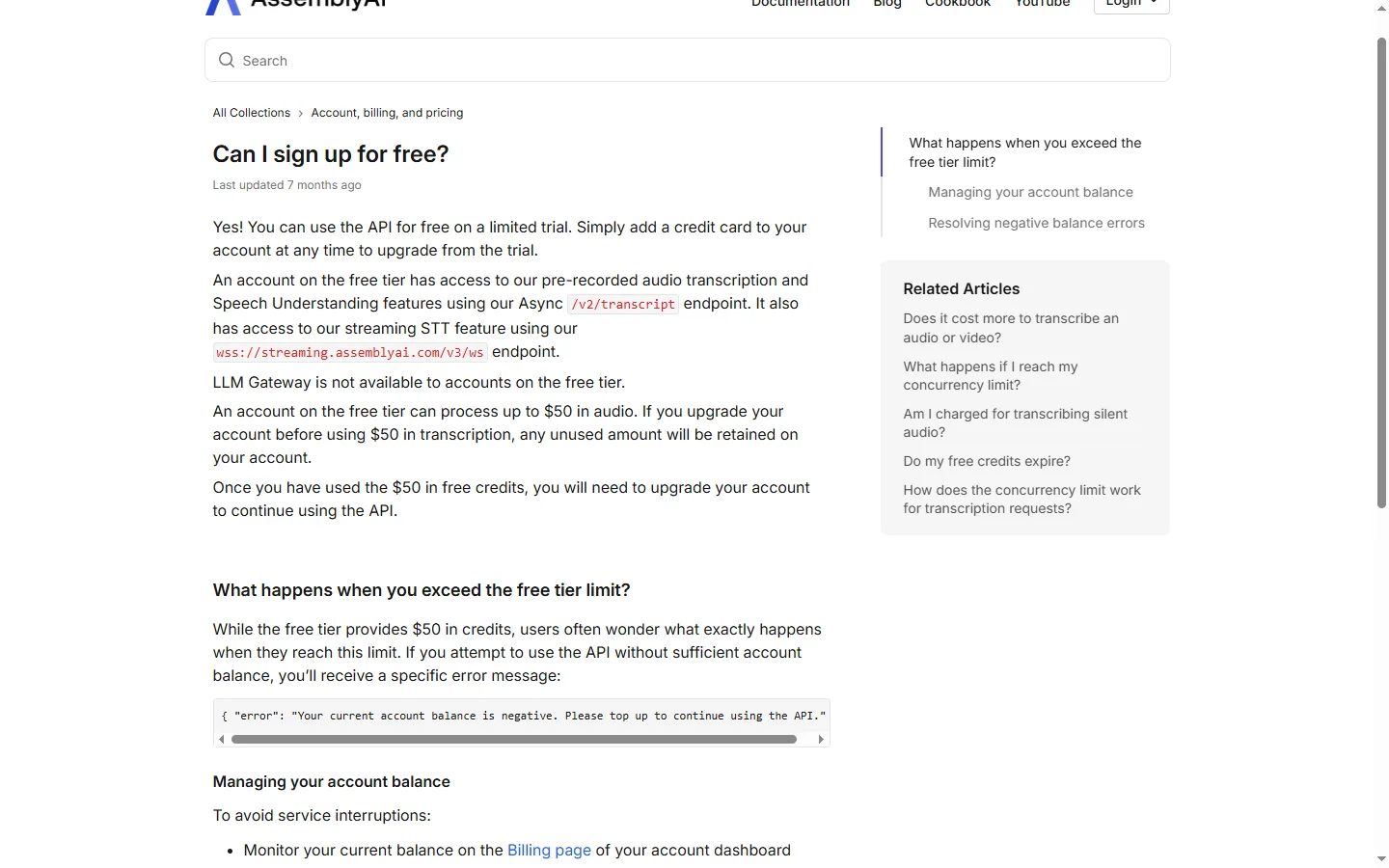
New accounts on the free tier. The $50 covers pre-recorded transcription, Speech Understanding and streaming speech-to-text; LLM Gateway is not available on the free tier. If you upgrade before using the $50, the unused amount stays on your account. After that you add a card to keep using the API.
Step by step
Screenshot taken on October 27, 2026. Red boxes show where to click.
Log in to save your progress.
Start from the pricing page
Open AssemblyAI's pricing page and click "Try our API for free".
Create your account
Sign up without a credit card. The free credit is added to your new account.
Get your API key
Copy your API key from the dashboard and start sending audio to the API.
Watch your balance
Track usage on the Billing page; add a card when the $50 runs out.
Did this deal work for you?
Frequently asked questions
How many hours does $50 cover?
AssemblyAI's pricing FAQ says the free tier includes up to 185 hours of pre-recorded transcription and up to 333 hours of streaming transcription.
What happens when the credit runs out?
API calls fail with a negative-balance error until you add a payment method and top up or enable autopay.
Source: support.assemblyai.com/articles/5370767329-can-i-sign-up-for-free
The AssemblyAI link on this page is an affiliate link. If you sign up through it we may earn a commission at no extra cost to you.