
Canva: all Canva Pro features free for registered nonprofits, up to 50 users
Regular → deal price
$0
Discount code
No code needed
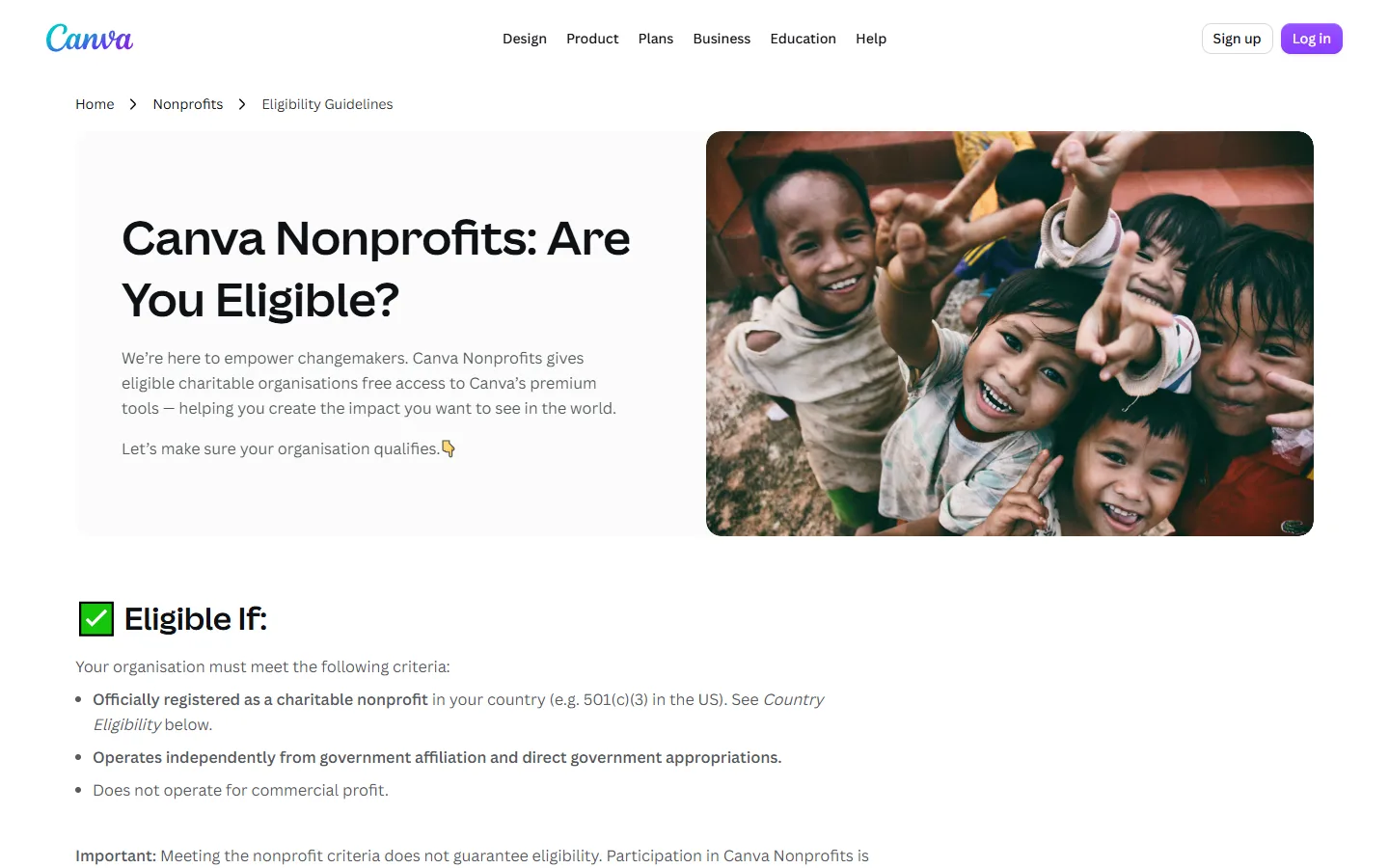
The organization must be officially registered as a charitable nonprofit in its country (e.g. 501(c)(3) in the US), operate independently from government and not operate for commercial profit. Not eligible: 501(c) groups other than 501(c)(3), for-profit companies including B-Corps and social enterprises, trade associations, grantmaking and private foundations, membership-based organizations, fraternities and social clubs, among others. You need proof of registration and governing documents. Approval is at Canva's discretion. Organizations that need more than 50 seats can get 50% off Canva Enterprise.
Step by step
Screenshot taken on October 23, 2026. Red boxes show where to click.
Log in to save your progress.
Check eligibility
Read the Canva Nonprofits eligibility guidelines, including the country list and the list of ineligible organizations.
Prepare documents
Have proof of nonprofit registration and governing documents that show your structure and charitable purpose.
Apply
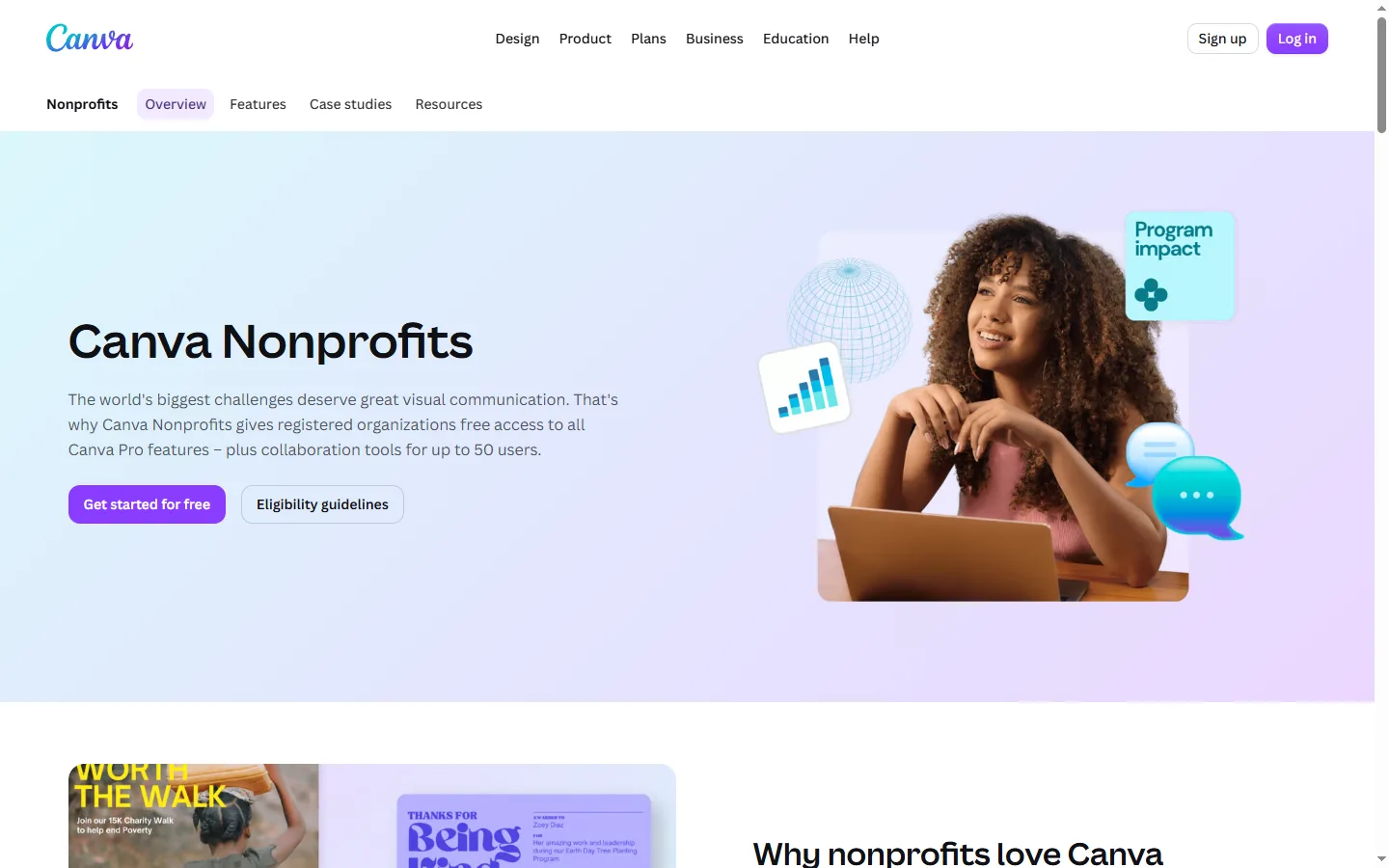
On the Canva Nonprofits page, click Get started for free, sign in or create an account and submit the application.
Invite your team after approval
Once Canva approves the application, add up to 50 team members.
Did this deal work for you?
Frequently asked questions
Do social enterprises or B-Corps qualify?
No. Canva lists for-profit companies, including B-Corps and social enterprises, as ineligible.
What if we need more than 50 users?
Canva offers 50% off Canva Enterprise for nonprofits that need more seats.
Source: canva.com/nonprofits