
Canva: Canva Education free for verified K-12 teachers and their students
Regular → deal price
$0
Discount code
No code needed
Only for K-12 (primary or secondary) teachers currently in a teaching position at a formally accredited school, plus K-12 librarians, learning support staff, curriculum specialists and teachers at technical or vocational schools serving primary or secondary students. Not available for colleges and universities. Students get access through a verified teacher or school. Available worldwide. Users must re-verify every 3 years. No payment needed.
Step by step
Screenshot taken on October 21, 2026. Red boxes show where to click.
Log in to save your progress.
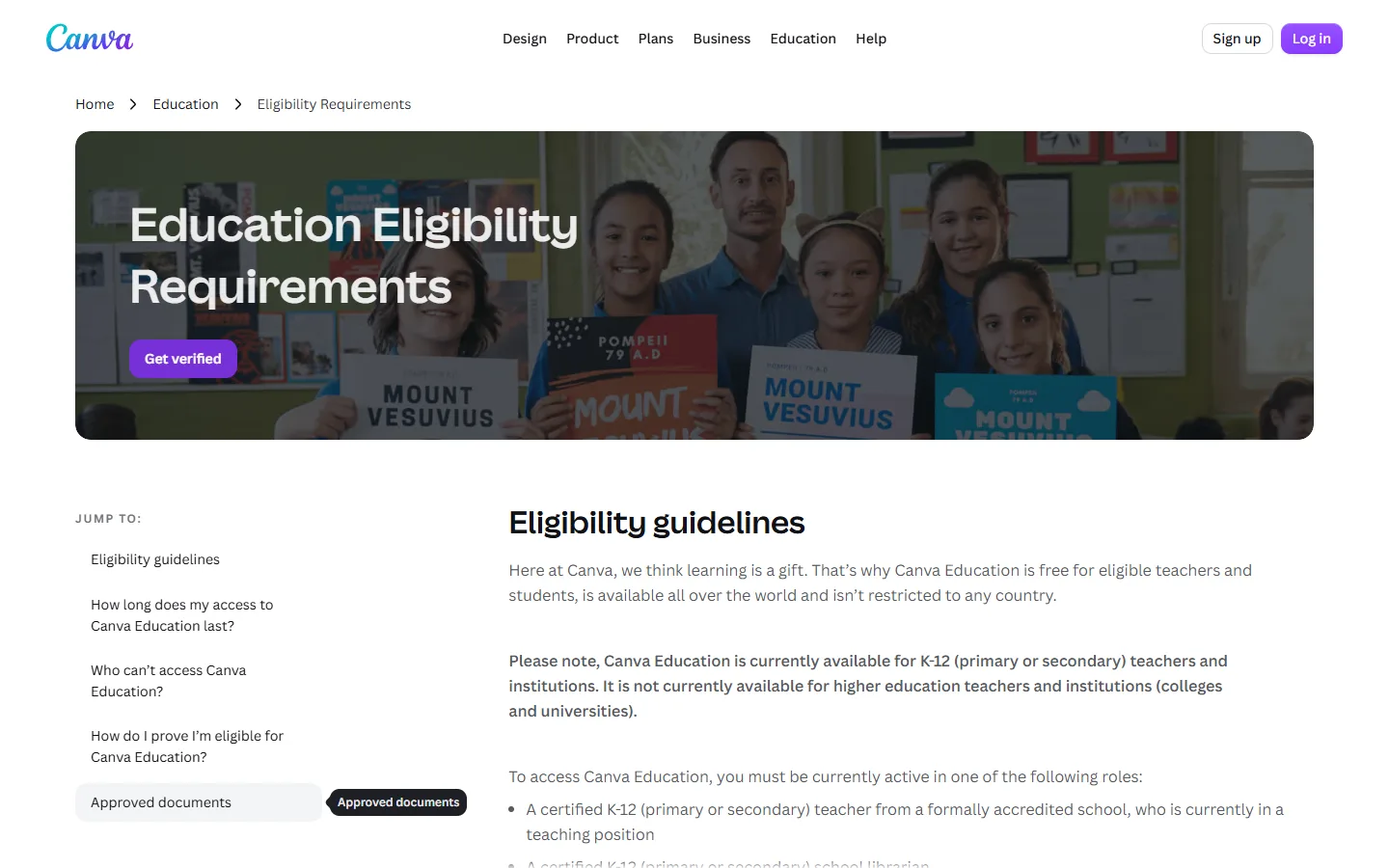
Check eligibility
Read Canva's education eligibility guidelines to confirm you teach at an accredited K-12 school.
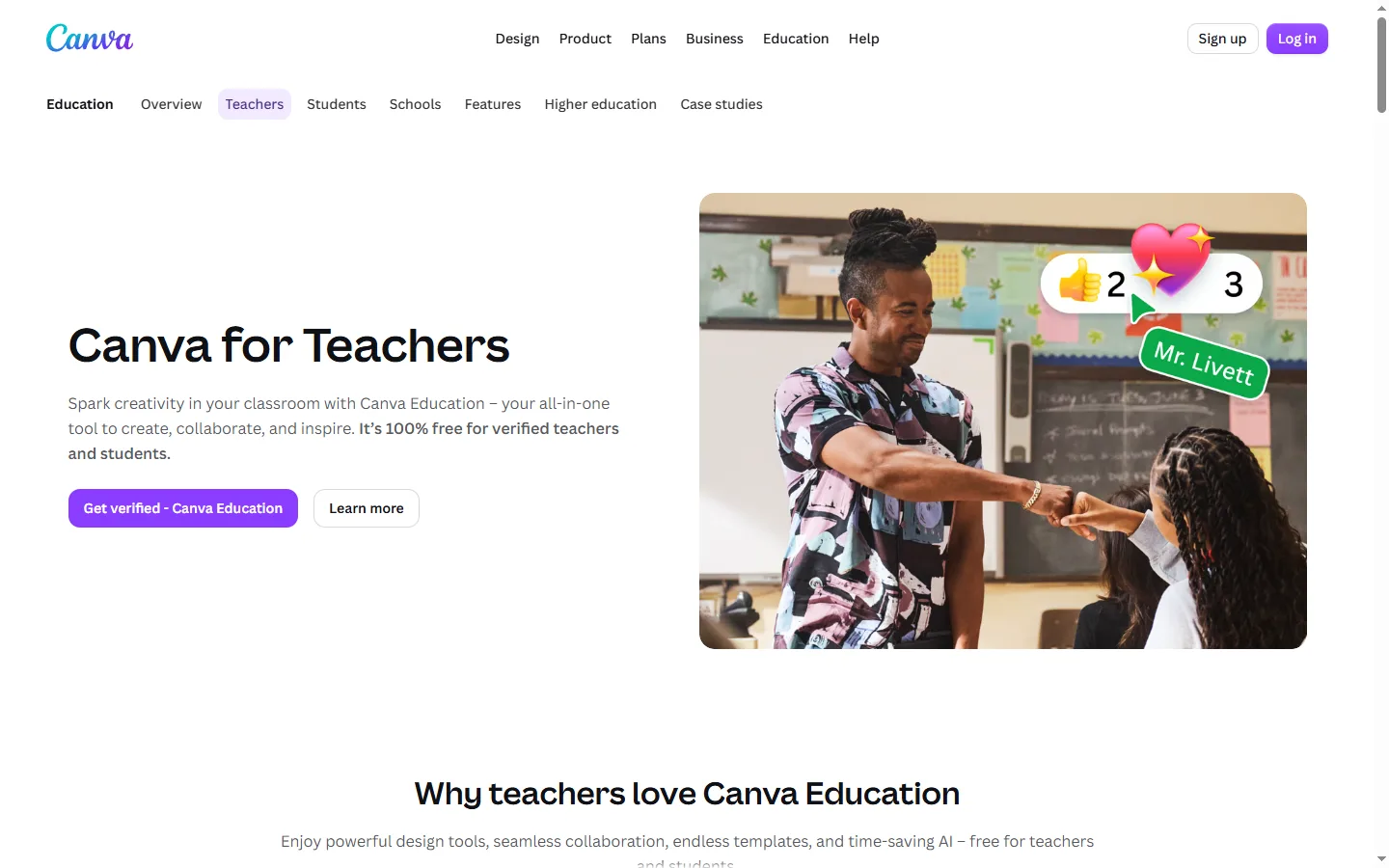
Start verification
On the Canva for Teachers page, click Get verified and sign up with your school email or log in.
Tell Canva your school
Choose your country and school. If instant verification is not possible, upload a document that proves you teach.
Wait for approval and invite students
Canva says you should hear back within 24 hours, or up to 7 days in busy periods. Then invite your students and colleagues.
Did this deal work for you?
Frequently asked questions
Can university lecturers or students use Canva Education?
No. Canva says Canva Education is currently only for K-12 teachers and institutions, not colleges and universities.
How long does access last?
As long as you remain an eligible teacher. Canva asks all Canva Education users to re-verify every 3 years.
Source: canva.com/education/teachers