
Google Ad Grants: up to $10,000 a month in free search ads for nonprofits
The offer
$10,000/month
Discount code
No code needed
Registered nonprofits with valid charity status in their country and a Google for Nonprofits account. Government bodies, hospitals and medical groups, schools and universities are not eligible. The website must meet the Ad Grants website policy, and accounts must follow the account management policy (for example a 5% monthly click-through rate and conversion tracking).
Step by step
Screenshot taken on October 27, 2026. Red boxes show where to click.
Log in to save your progress.
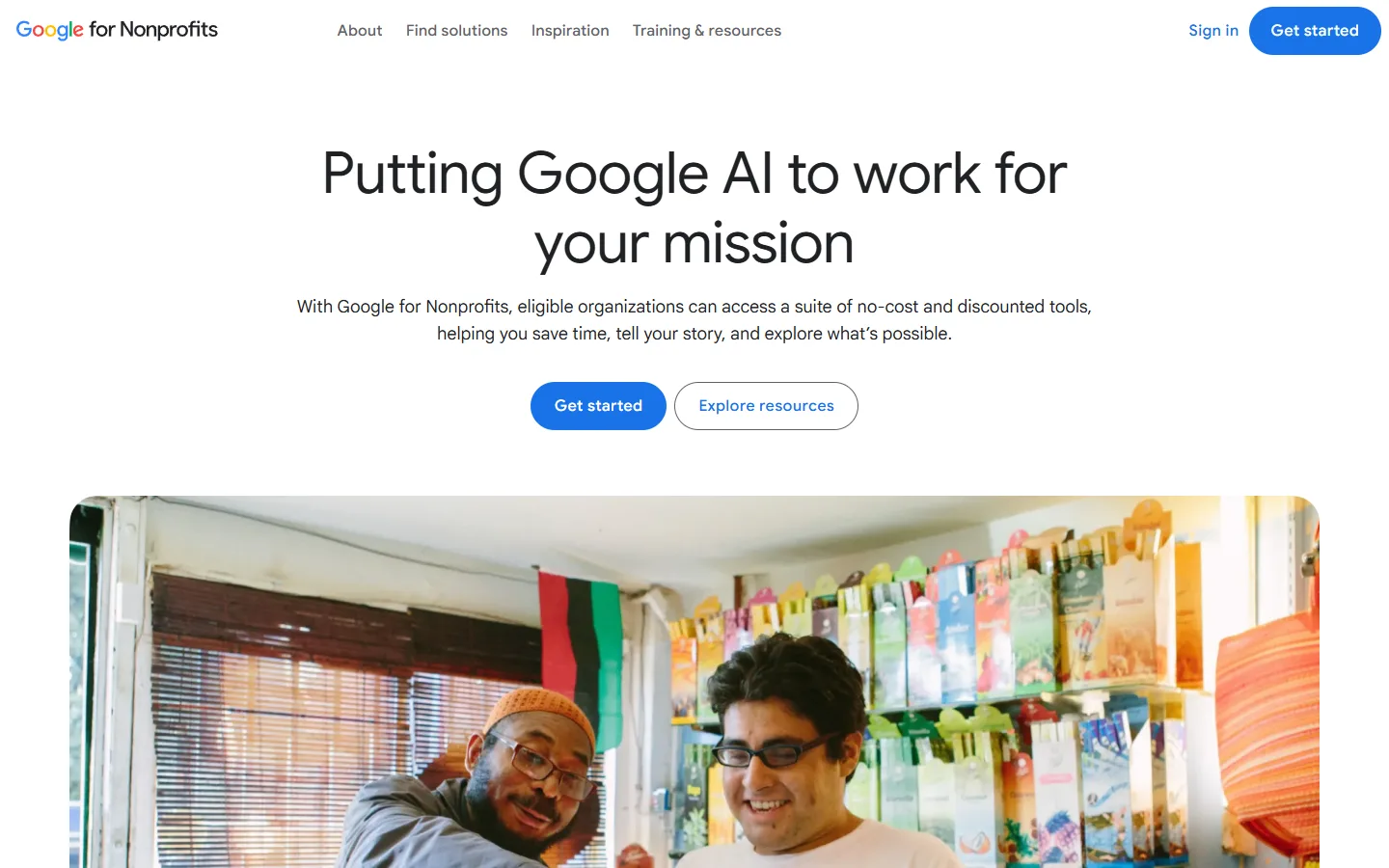
Join Google for Nonprofits
Register your organization with Google for Nonprofits and get it verified.
Check your website
Make sure your site meets the Ad Grants website policy.
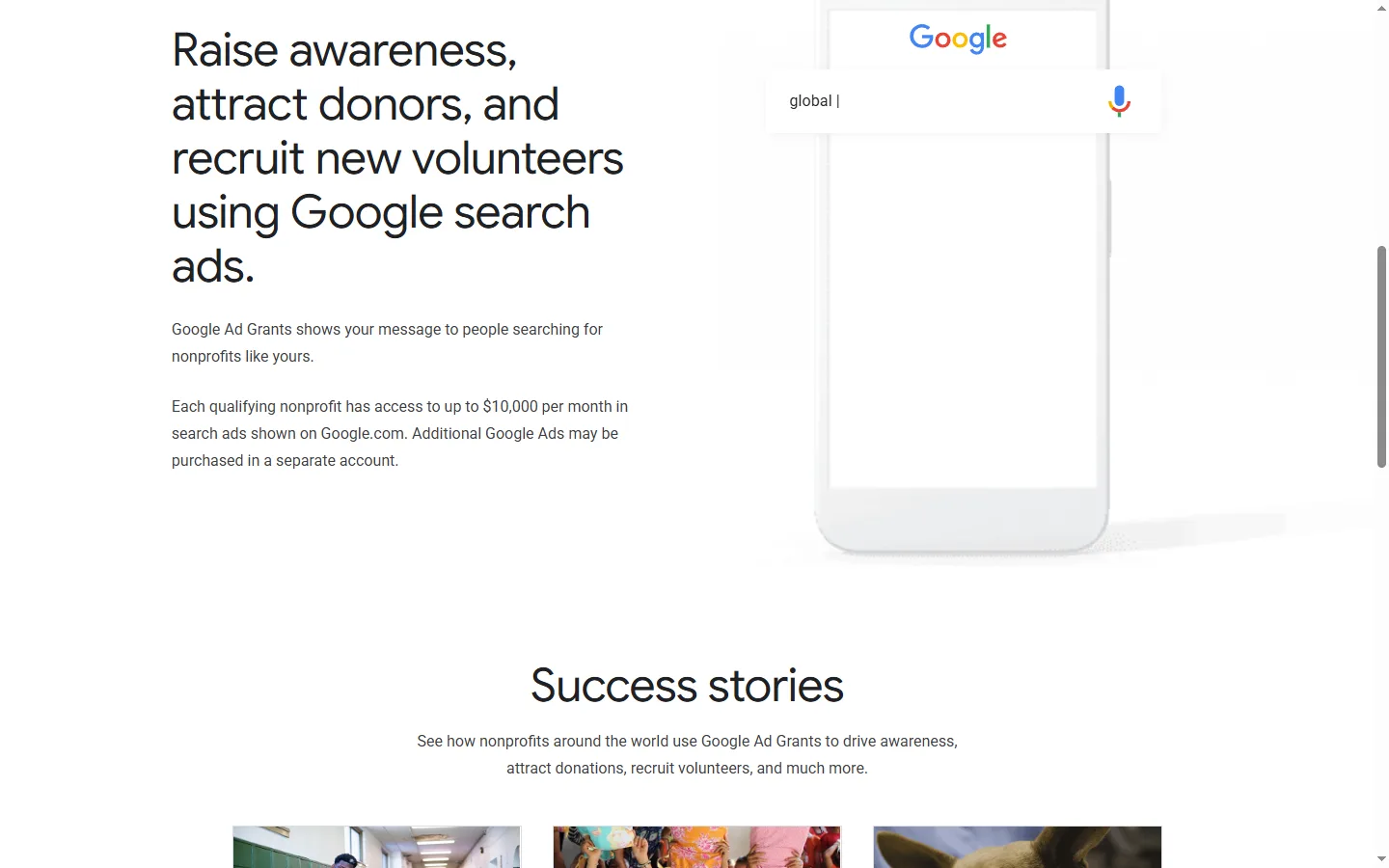
Activate Ad Grants
From your Google for Nonprofits account, request Ad Grants and complete the eligibility form.
Set up campaigns
Create search campaigns with conversion tracking and keep the account within program policies.
Did this deal work for you?
Frequently asked questions
Can I also run paid ads?
Yes. The page says additional Google Ads may be purchased in a separate account.
Source: google.com/grants