
Namecheap Private Email: 30-day free trial on every plan
The offer
30 days free
Discount code
No code needed
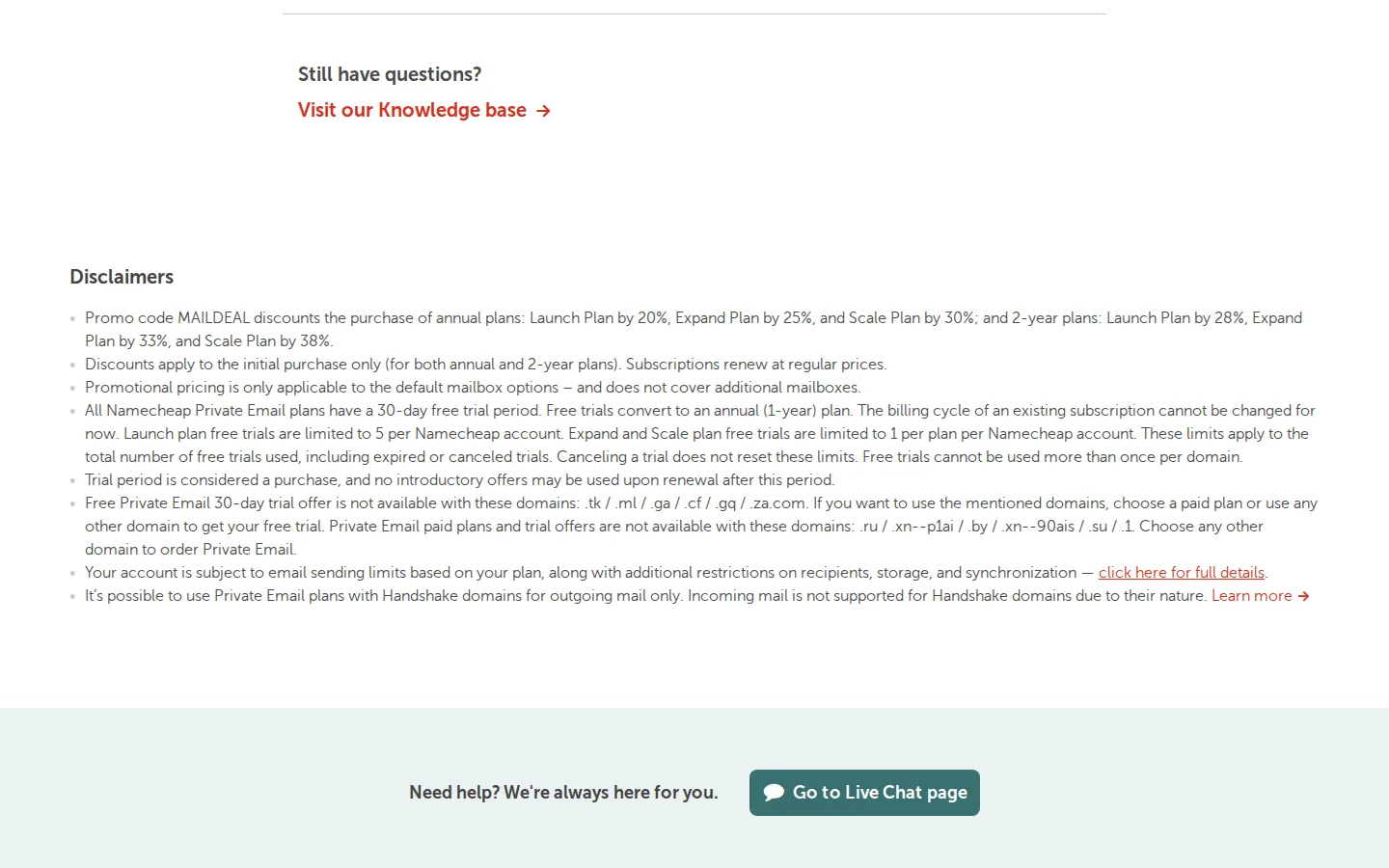
Free trials convert to an annual plan. Launch trials are limited to 5 per account, Expand and Scale to 1 per plan per account, and one trial per domain. Some domain extensions are excluded.
Step by step
Screenshot taken on October 27, 2026. Red boxes show where to click.
Log in to save your progress.
Open the Private Email page
Go to Namecheap's business email page and scroll to Plans and pricing.
Pick a plan
Choose Launch, Expand or Scale and click Start free trial.
Connect a domain
Enter the domain you want to use for your mailboxes, then sign in or create a Namecheap account at checkout.
Set up mailboxes
Create your mailboxes in the dashboard. Cancel before 30 days if you do not want the annual plan.
Did this deal work for you?
Frequently asked questions
What happens after the trial?
According to Namecheap, free trials convert to an annual (1-year) plan at the regular price.
Can I use the trial more than once?
No. Free trials cannot be used more than once per domain, and canceling a trial does not reset the limits.
Source: namecheap.com/hosting/email
The Namecheap link on this page is an affiliate link. If you sign up through it we may earn a commission at no extra cost to you.