Notion: 50% off the Business plan for nonprofits
Regular → deal price
−50%
Discount code
No code needed
For civil society organizations worldwide that Notion can verify through submitted documents and public databases. Business plan only. Each organization can request the discount for up to three workspaces. Verification takes 3 to 7 business days. Education staff and nonprofit student clubs have separate application forms.
Step by step
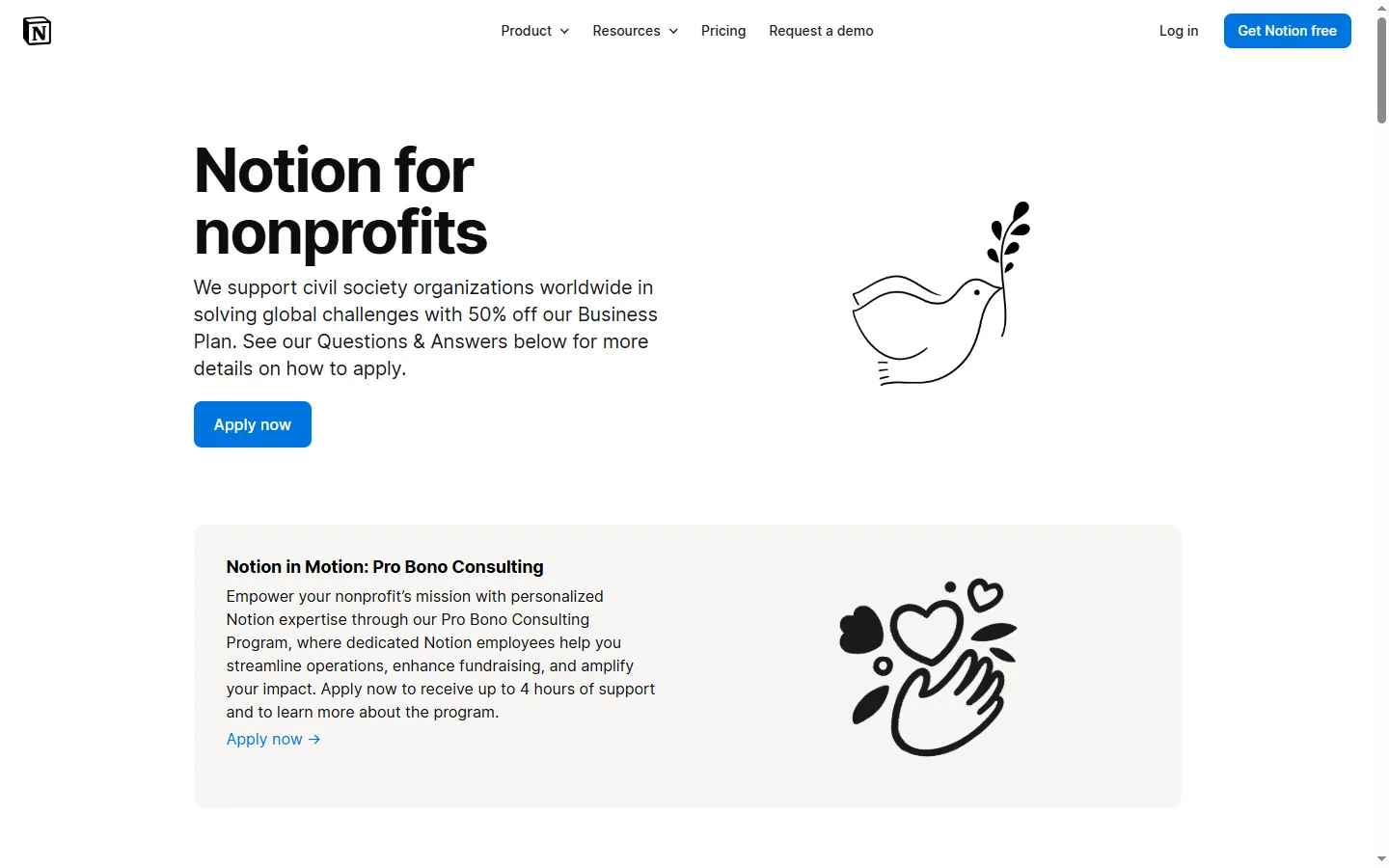
Screenshot taken on October 27, 2026. Red boxes show where to click.
Log in to save your progress.
Find your Workspace ID
In Notion, go to Settings → General; the Workspace ID is at the very bottom of the tab.
Apply
Click Apply now on the nonprofits page and submit your organization's details and documents.
Wait for verification
Notion reviews applications in 3 to 7 business days and emails you when the discount is applied.
Upgrade
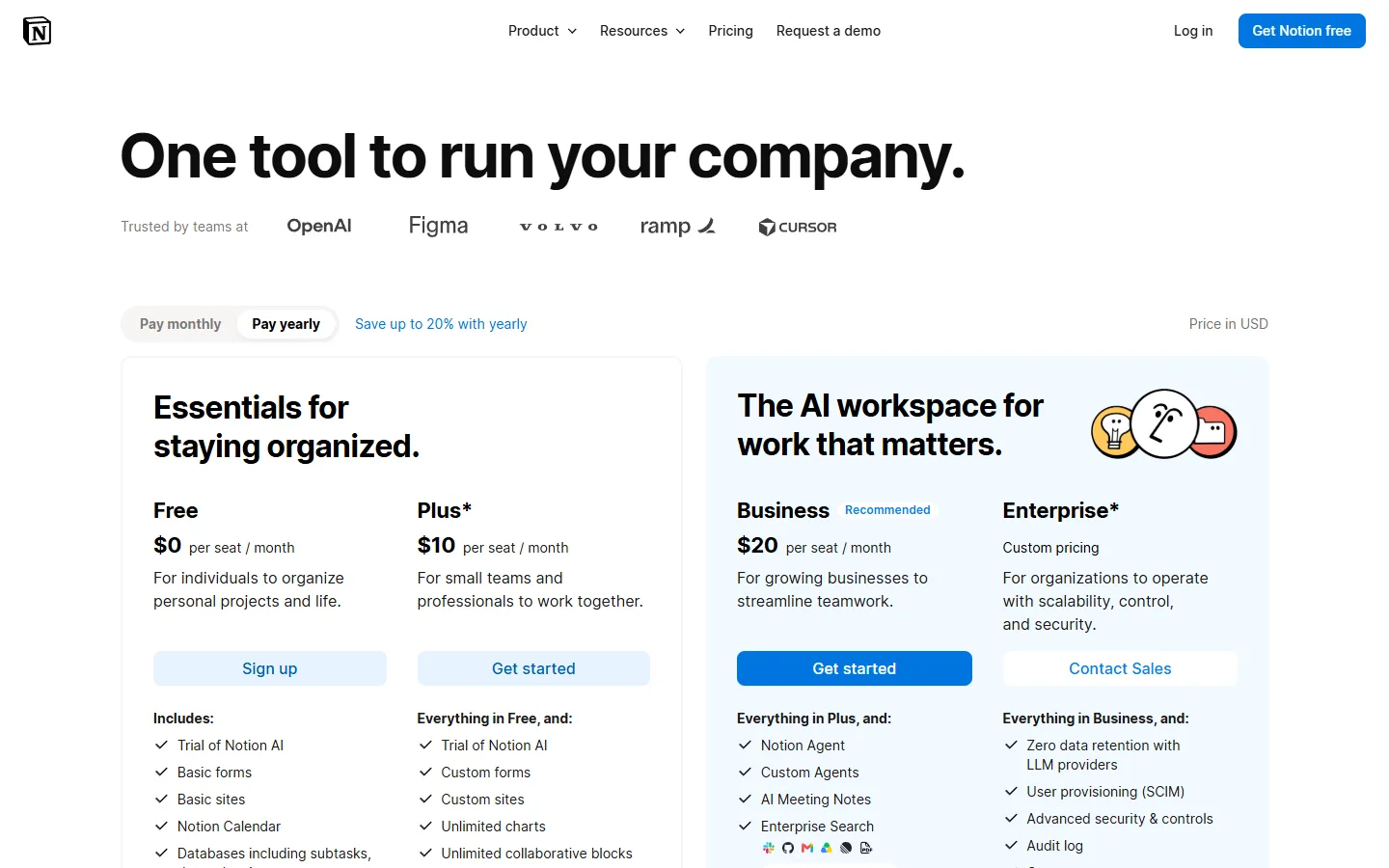
If you are on the Free plan, upgrade to Business after the 'coupon applied' email to get the discounted price.
Did this deal work for you?
Frequently asked questions
Can I get the discount on the Plus plan?
No. Notion says the program is currently only eligible for the Business plan.
How many workspaces can we discount?
Up to three workspaces per organization.
Source: notion.com/nonprofits