
Slack: free Pro plan for nonprofits with up to 250 members
Regular → deal price
$0
Discount code
No code needed
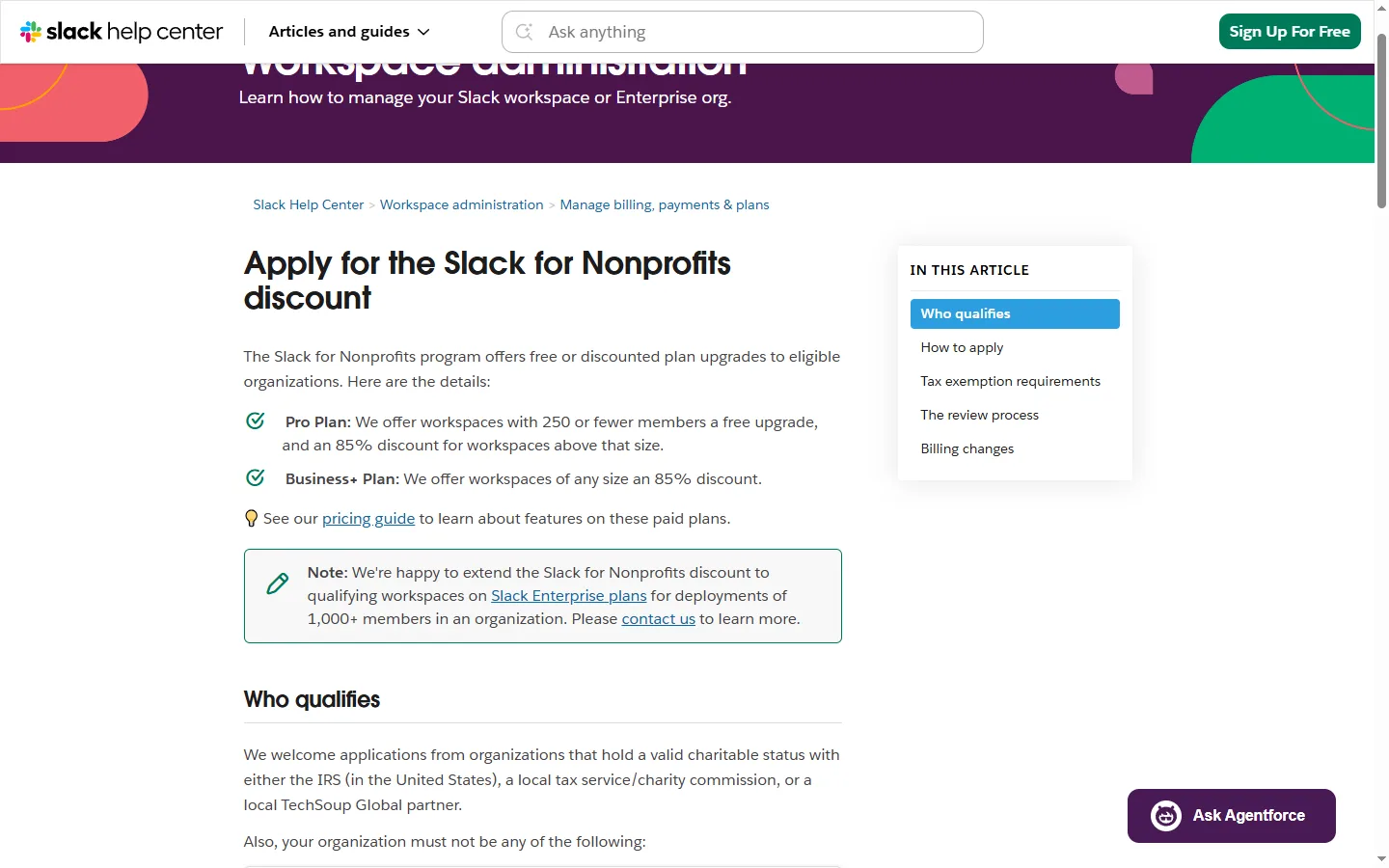
Organizations with valid charitable status (e.g. IRS in the US), reviewed with TechSoup. Excluded: political/legislative organizations, hospitals, private foundations, government offices and some religious organizations; schools go to Slack for Education. Free Pro only for workspaces of 250 or fewer members; larger Pro workspaces get 85% off; Business+ gets 85% off at any size. One application per workspace. No refunds for fees paid before approval.
Step by step
Screenshot taken on October 27, 2026. Red boxes show where to click.
Log in to save your progress.
Create a workspace
If your organization doesn't use Slack yet, create a workspace first; a Workspace Owner must apply.
Fill in the application
Open the Slack for Nonprofits form and enter your legal name and organization details.
Wait for TechSoup validation
Slack works with TechSoup to verify your charitable status.
Get the upgrade
After approval you receive a confirmation email and the free upgrade or discount is applied within three days.
Did this deal work for you?
Frequently asked questions
What if my workspace has more than 250 members?
Pro is then 85% off instead of free. Business+ is 85% off at any size.
Source: slack.com/help/articles/204368833-Apply-for-the-Slack-for-Nonprofits-discount