Jotform: 50% off all annual plans for nonprofits
Nonprofits, including 501(c)(3) organizations, get 50% off all Jotform annual plans. Create a free account first, then apply for the discount.
Conditions
For nonprofit organizations (including certified 501(c)(3) entities). Applies to annual plans. You need a free Jotform account to apply, and the discount is granted after review.
Step by step
Screenshot taken on November 4, 2026. Red boxes show where to click.
Log in to save your progress.
Create a free Jotform account
Sign up for free with Google, Microsoft or email.
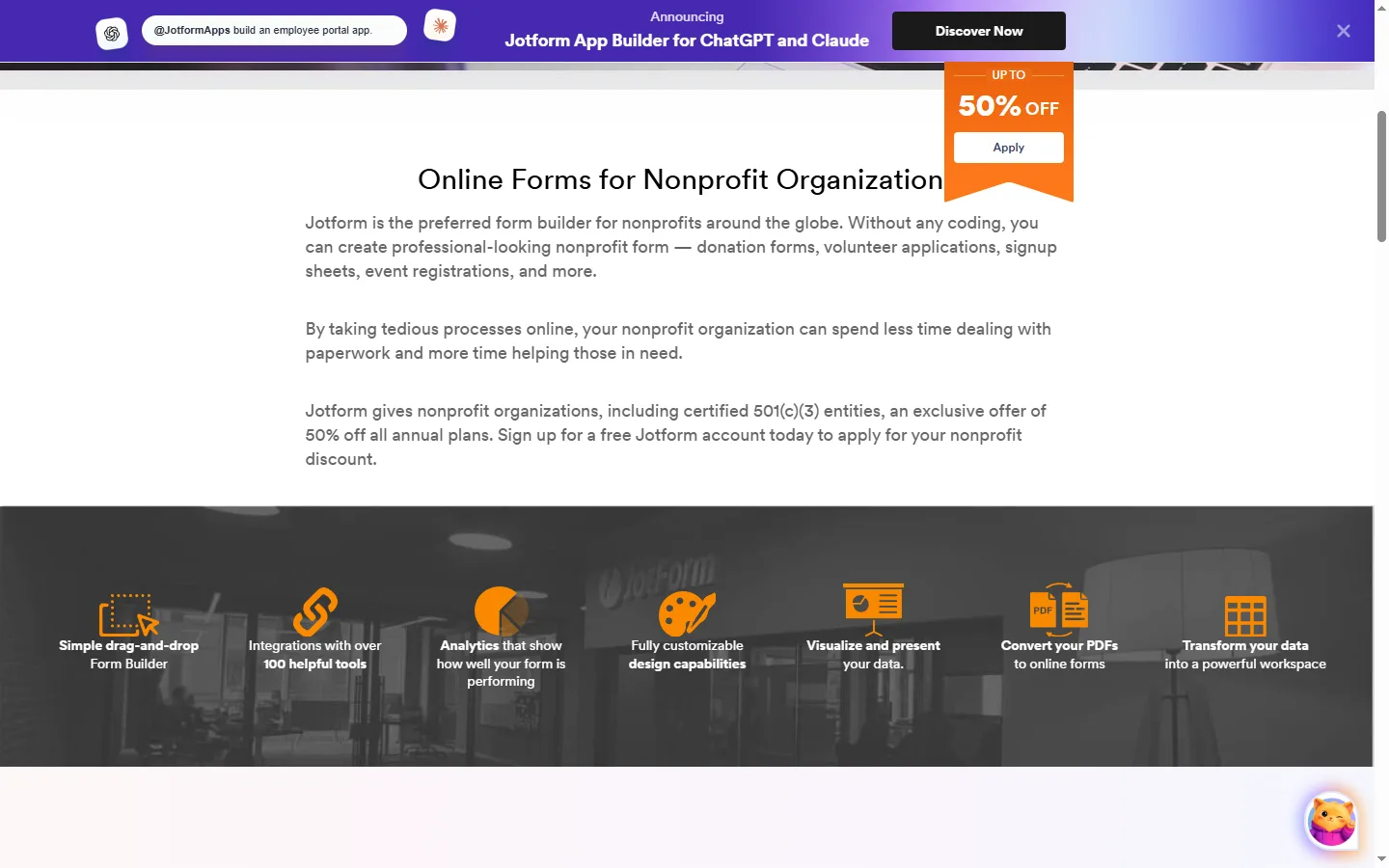
Open the nonprofit discount form
Click 'Claim Your Discount' or 'Apply' on the nonprofit page and fill in your organization's details.
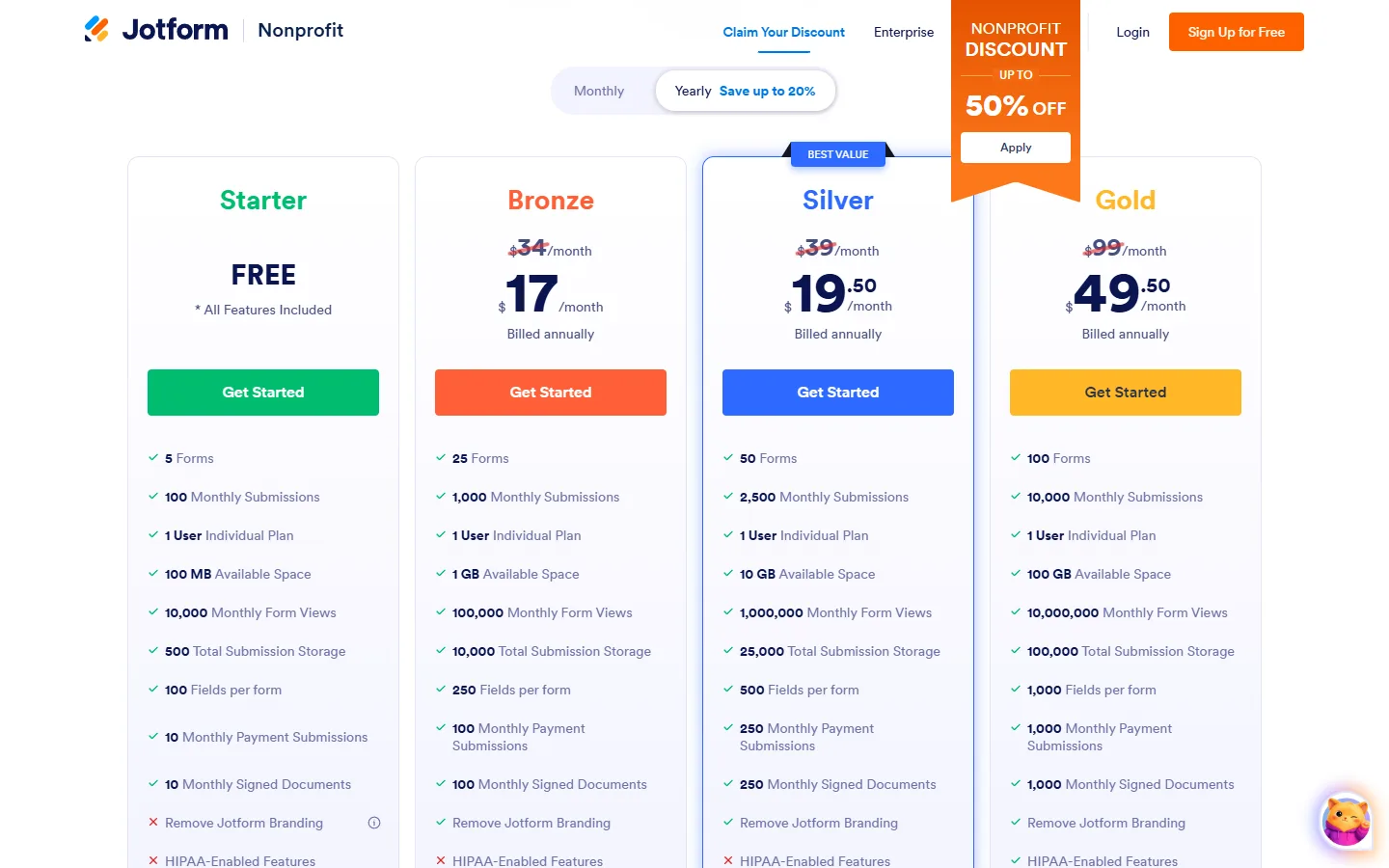
Pick an annual plan
After approval, choose an annual plan; the 50% discount applies to it.
Did this deal work for you?
Frequently asked questions
Is there also an education discount?
Yes, a separate one. Jotform's education page says the discount for single-user Bronze, Silver and Gold plans is 50%, and 30% for multiuser Enterprise plans, subject to approval.