Both Otter.ai and Fireflies.ai have a free plan, and both are usable for real meetings. Otter's free plan gives you 300 transcription minutes a month but stops each conversation at 30 minutes, while Fireflies transcribes without a minute cap and limits you through storage instead, with 400 minutes per team and 20 AI credits. Which one gives you more depends mostly on how long your meetings are.
Below we compare the two free plans line by line, list the official discounts each company offers once you want a paid plan, and explain which tool suits which kind of user. Every limit comes from the companies' own pricing and program pages, and we say so where a detail is simply not stated.
What you are actually comparing
An AI note taker records your calls, turns the speech into text and gives you notes you can search later. On a free plan, the quality of the transcript is rarely the deciding factor, because you can judge that yourself in a day or two of use. The limits are what shape your week: how many minutes you can transcribe, how long a single meeting can be, and how much history you can keep.
Otter and Fireflies put their limits in different places. That is the whole story of this comparison, so it pays to look at each plan carefully before you invite a bot into your calendar.
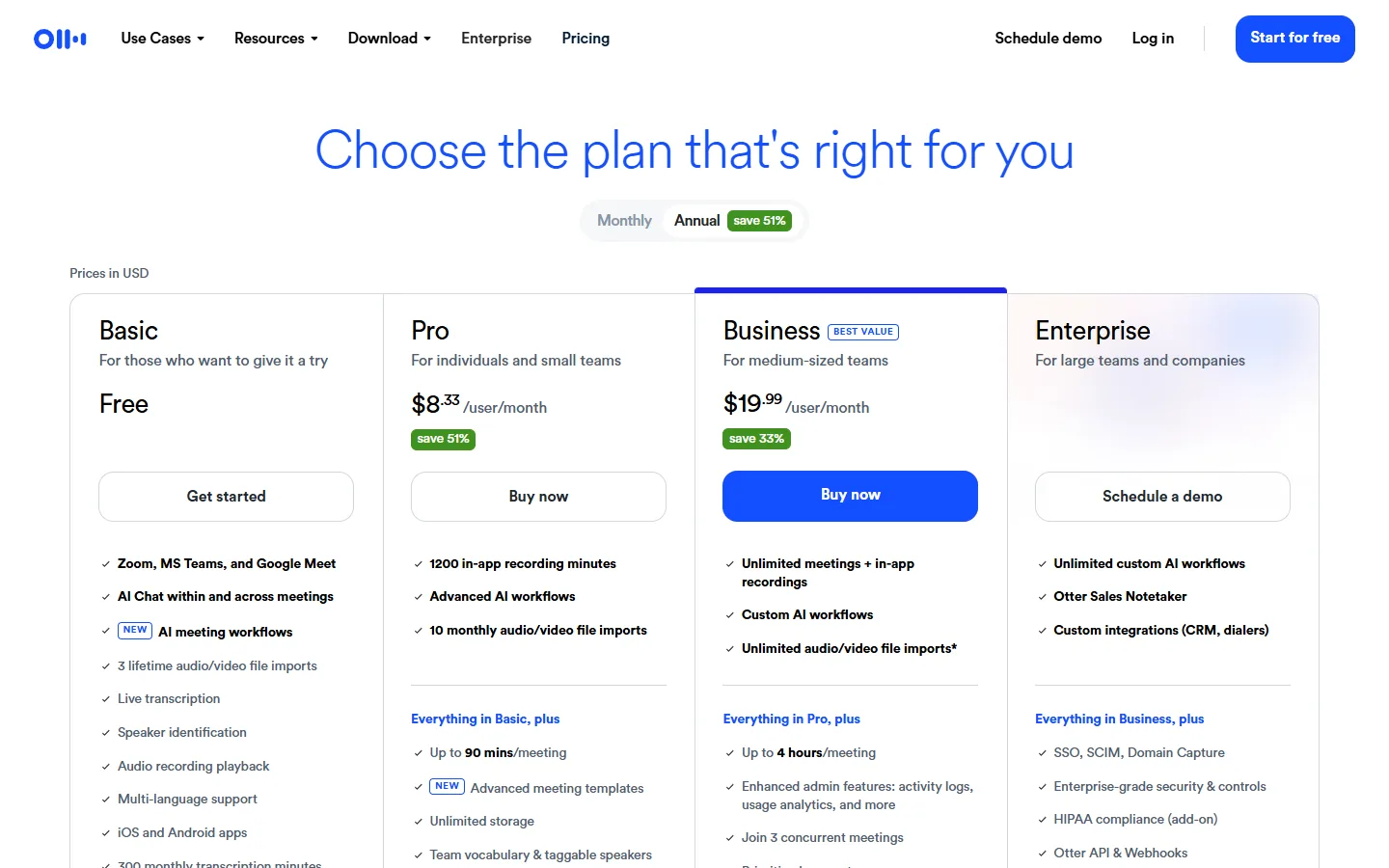
Otter.ai free plan
The Otter.ai free plan includes:
- 300 transcription minutes per month
- up to 30 minutes per conversation
- 3 lifetime file imports
The 30-minute cap matters more than the monthly total. A standard one-hour meeting will not be transcribed in full on the free plan, and you only find out when you open the notes afterwards. If your calls are short stand-ups, check-ins or interviews that stay under half an hour, 300 minutes covers a fair number of them each month.
The import limit is easy to misread. It is 3 file imports in total, for the life of the account, not per month. Keep them for recordings that really matter, such as an old interview you need in text form, rather than testing the feature with a random file.
Fireflies.ai free plan
The Fireflies.ai free plan is listed as free forever and includes:
- unlimited transcription
- limited AI summaries
- 400 minutes of storage per team
- 20 AI credits
Here the constraint is storage, not transcription. You can transcribe as many meetings as you like, of any length, but the team shares 400 minutes of stored recordings. A team that records several long calls a week will reach that quickly and will have to clear out old meetings to keep going. AI summaries are limited on the free plan, and the 20 AI credits are a fixed allowance, so they are worth saving for meetings where a summary really helps.
Note the words "per team". If you invite colleagues into the same Fireflies workspace, they draw on the same 400 minutes. For a solo user that is a comfortable buffer. For a busy sales team it is not.
Otter vs Fireflies free plan in one table
| Otter.ai free | Fireflies.ai free | |
|---|---|---|
| Transcription | 300 minutes per month | Unlimited |
| Length of one meeting | Up to 30 minutes per conversation | No cap stated |
| Storage | Not stated | 400 minutes per team |
| AI summaries | Not stated | Limited |
| AI credits | Not stated | 20 |
| File imports | 3, lifetime | Not stated |
| Described as free forever | Not stated | Yes |
"Not stated" means the official free plan description does not mention that item. It does not mean the feature is missing, only that we could not confirm a figure, so we have not invented one.
Discounts once you outgrow the free plan
Neither company gives its paid plans away to everyone, but both have official offers for specific groups. Here is each one, with the steps to claim it.
Otter.ai Business: 20% off for the first 3 months
First-time subscribers can get the Otter.ai Business plan at 20% off for 3 months. On monthly billing, that is $24 instead of $30 per user per month. The pricing page says the offer is for first-time subscribers only. Prices are in USD, and the page can differ by country, so check what your own pricing page shows before you plan a budget around it.
- Open the Otter pricing page, select Monthly and check that the Business card shows 20% off for 3 months.
- Sign up for a new Otter account.
- Choose Business with monthly billing to get the discounted first 3 months.
Otter.ai Pro: 20% off for students and teachers
Individual students and teachers with an email address ending in .edu get 20% off Otter Pro, on both the monthly and the annual plan. The discount is not shown on the main pricing cards. You reach it through a separate link inside your account.
- Create an Otter account with your school email address ending in .edu.
- Click your name in the top left, then "Upgrade plan".
- Click "Student & Teacher Discount" below the Pro plan description and complete checkout.
If your school email uses a country domain rather than .edu, the official wording does not cover you. Otter's answer only mentions addresses ending in .edu, so do not assume an equivalent address will be accepted.
Fireflies.ai: 6 months of Business for early-stage startups
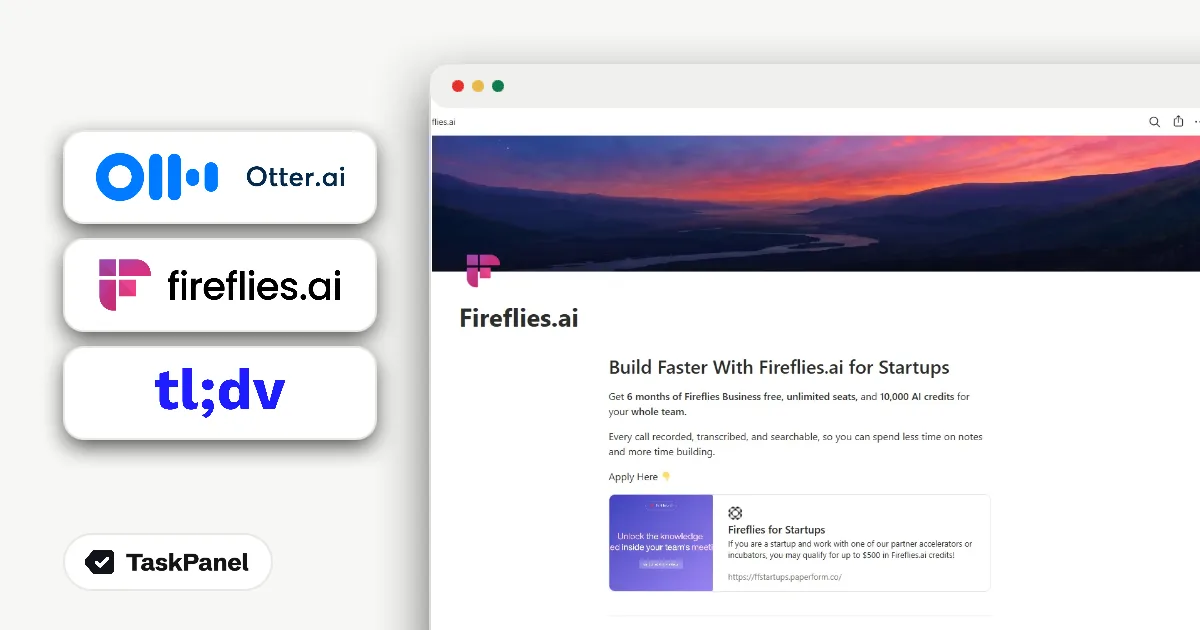
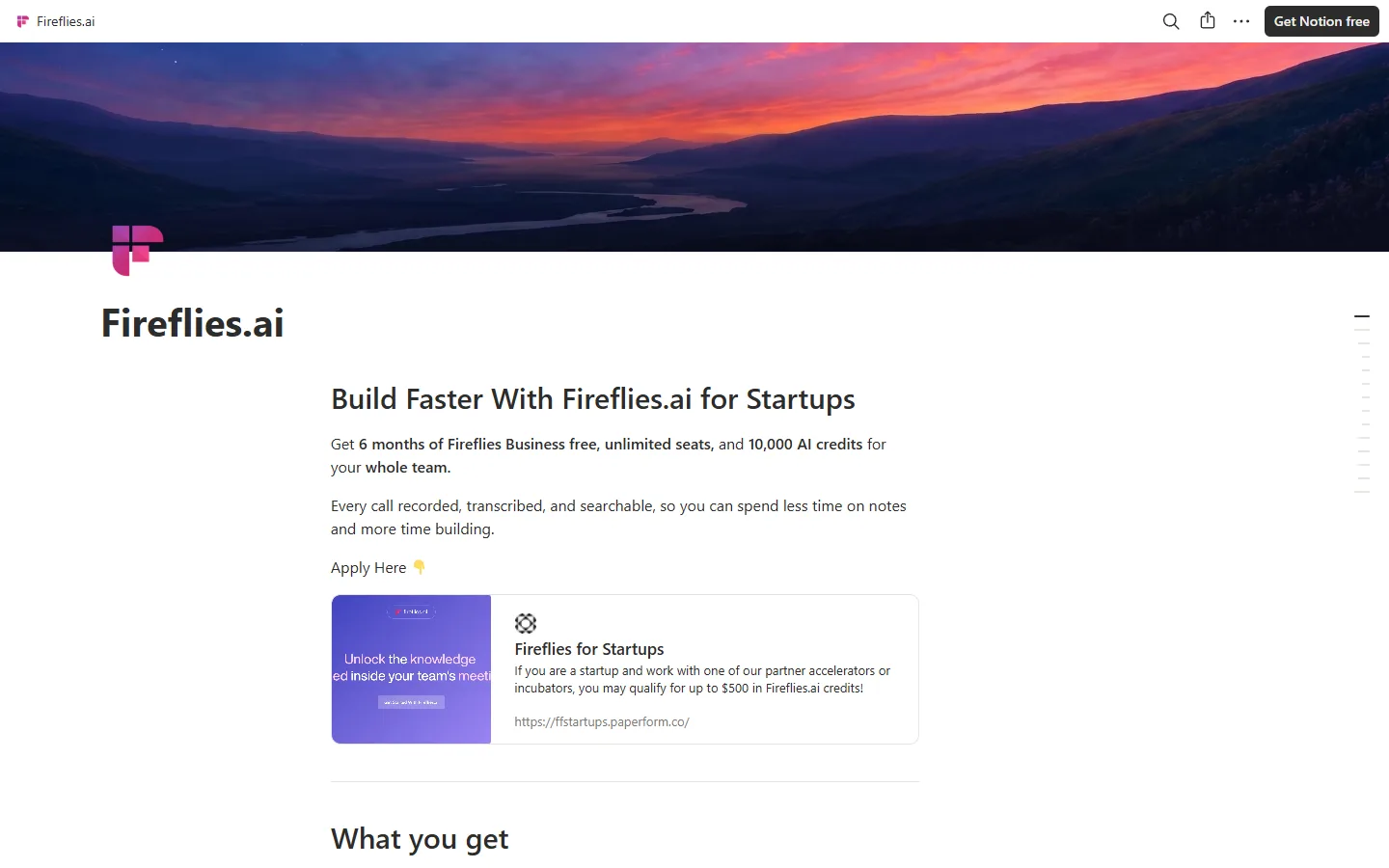
Fireflies runs a startup program that gives 6 months of Fireflies Business free, with unlimited seats and 10,000 AI credits for the whole team. To qualify, your startup must have raised less than $5M in total and been incorporated within the last 5 years. Applications are reviewed within 48 hours.
- Open the Fireflies for Startups page, which is linked from the footer of fireflies.ai.
- Check that you meet both conditions: less than $5M raised in total, and incorporated within the last 5 years.
- Fill in the application form linked on the program page.
- Wait for the review. Fireflies reviews applications within 48 hours.
Unlimited seats is the part that makes this program stand out. A free plan that shares 400 minutes of storage across a team becomes a lot less tight when the whole company is on Business for half a year.
A note on tl;dv
tl;dv is another AI meeting assistant that people often compare with these two. We have no verified offer for it at the moment, so we have left it out of the tables here. Its tool page has the current details if you want a third option to test.
Which one should you pick
If most of your calls are short, Otter's free plan is the easier fit. Half-hour check-ins, client calls with a fixed slot and quick interviews all sit inside the 30-minute cap, and 300 minutes a month gives you room for several of them each week.
If your meetings regularly run past half an hour, Fireflies' free plan is the safer choice, because transcription is not capped. You will need to manage storage, but that is a housekeeping problem rather than a missing half of the meeting.
Students and teachers with a .edu address who already like Otter should go straight to the 20% Pro discount. Early-stage startups that have raised less than $5M should apply to the Fireflies program before paying for anything. A team that wants to try Otter Business on real work can use the first-three-months discount to do it at a lower price.
If you cannot decide, run both free plans on the same set of meetings for a week. Read the notes from each and ask the people in the meeting which version they would actually use. That tells you more than any feature table.
Common mistakes and what happens after a discount ends
- Trusting Otter's free plan with a long meeting. The 30-minute limit applies per conversation. If the meeting is important and longer than that, use another tool or a paid plan.
- Letting Fireflies storage fill up. The 400 minutes are shared by the team. Remove recordings you no longer need so new meetings still fit.
- Spending AI credits on routine calls. The 20 AI credits on the Fireflies free plan are a small allowance. Use them where a summary saves real time.
- Assuming the Otter Business price stays at $24. The discount covers the first 3 months. After that you pay the regular price, which the monthly pricing card shows as $30 per user per month. Because the plan is priced per user, check the total for your whole team, not only for one seat.
- Signing up with the wrong email for the student discount. The Pro discount is tied to an address ending in .edu. Create the account with that address from the start.
- Forgetting the end of the Fireflies startup period. The program covers 6 months. Put the end date in a calendar and decide in advance whether you will pay or move back to the free plan.
Whatever you choose, tell people when a meeting is being recorded. It is good practice, and in many places it is a legal requirement.
We track these offers on our Otter.ai tool page and Fireflies.ai tool page, and recheck them against the official pages, so look there for any new discounts before you subscribe.