There are two cheap ways to run your own n8n or OpenClaw server. DreamHost sells a VPS with either one already installed and takes up to 43% off the first 3 months. Vultr and DigitalOcean give new accounts free credit, $250 for up to 30 days and $200 for 60 days, which you can spend on a server you set up yourself.
The first route costs money from day one but saves you the setup. The second costs nothing for a while but leaves the installation, updates and backups to you. Below we go through each offer as the provider describes it on its own pages, then look at which route suits which kind of project.
Why self-host n8n or OpenClaw at all
n8n is a workflow automation tool that runs in the cloud or on your own server. OpenClaw is an AI assistant you run yourself and connect to chat apps such as WhatsApp, Telegram and Slack. Both work fine on a hosted plan, so the reasons to put them on your own server are practical ones: you decide where the data sits, you are not counting executions or messages, and you can install whatever else the workflow needs next to it.
The cost of that freedom is the server itself. Someone has to keep it running, patched and backed up. That is the real choice in this article, more than the price.
DreamHost n8n hosting: pre-installed, up to 43% off the first 3 months
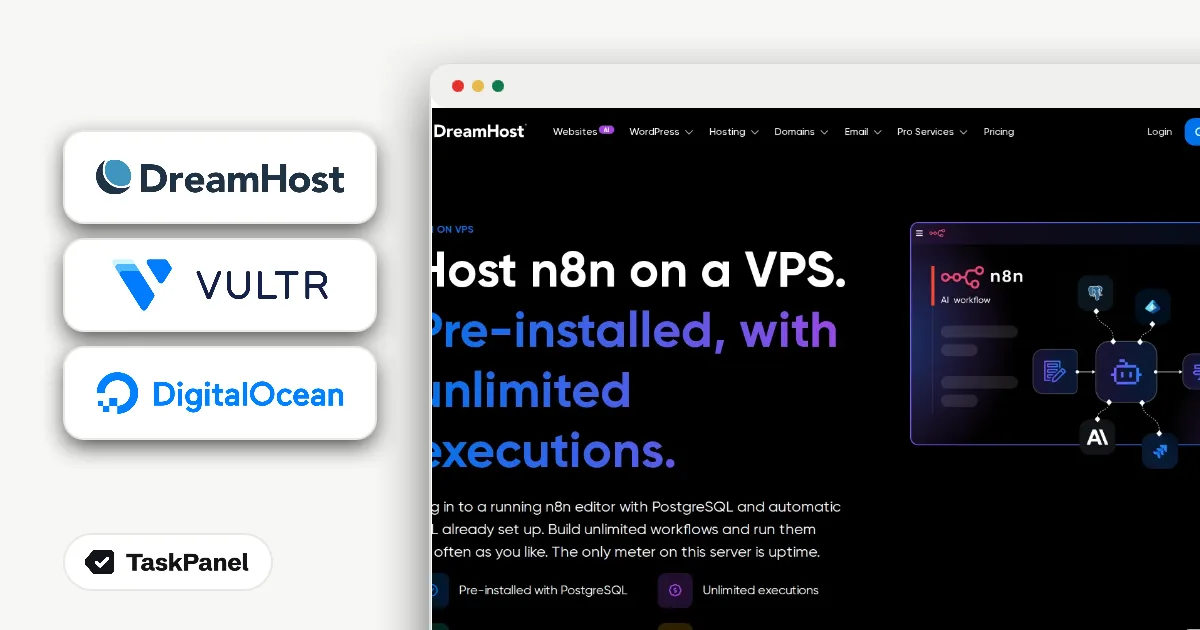
DreamHost n8n Hosting is a VPS that arrives with n8n running. DreamHost's page sums it up in one line: "Pre-installed, with unlimited executions." PostgreSQL and automatic SSL are set up for you, so the first login opens a working n8n editor rather than an empty Linux server.
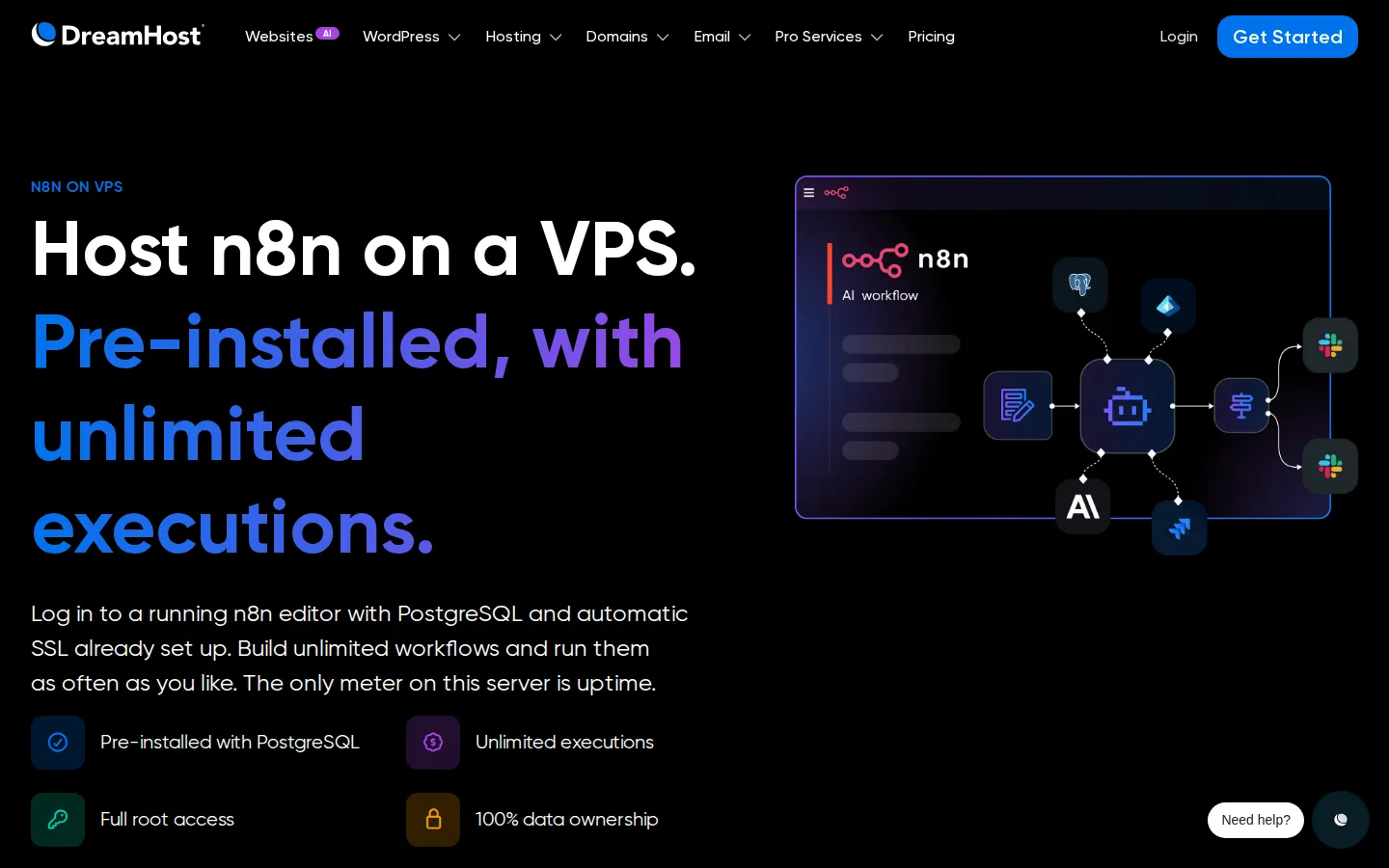
The current offer is up to 43% off the first 3 months. A few details decide how much of that you actually get:
- The 43% discount is on the smallest plan, Stack 4. Larger plans have smaller discounts.
- The promo price covers the first 3 months. After that the plan renews at the regular monthly price.
- Bandwidth is unmetered and you get full root access, so you can add other software to the same server.
- Taxes are added at checkout.
Because the discount is biggest on Stack 4, it makes sense to start there and move up only if your workflows need more memory. A handful of scheduled workflows that call a few APIs is a light load. Workflows that process large files or run AI steps on every item are not, and those are the ones that push you to a bigger plan.
How to get the n8n hosting discount
- Open DreamHost's n8n hosting page and compare the Stack plans.
- Pick a plan. Stack 4 has the biggest discount; choose a bigger one for heavy workflows, then check out.
- Log in. n8n is already running, so you can open the editor and start building.
DreamHost OpenClaw hosting: installed for you, same discount
DreamHost OpenClaw Hosting works the same way for OpenClaw. In DreamHost's words, "Every plan includes OpenClaw installation, unmetered bandwidth, and full root access." You log in to a server where the assistant is already installed and connect it to the chat apps you use.
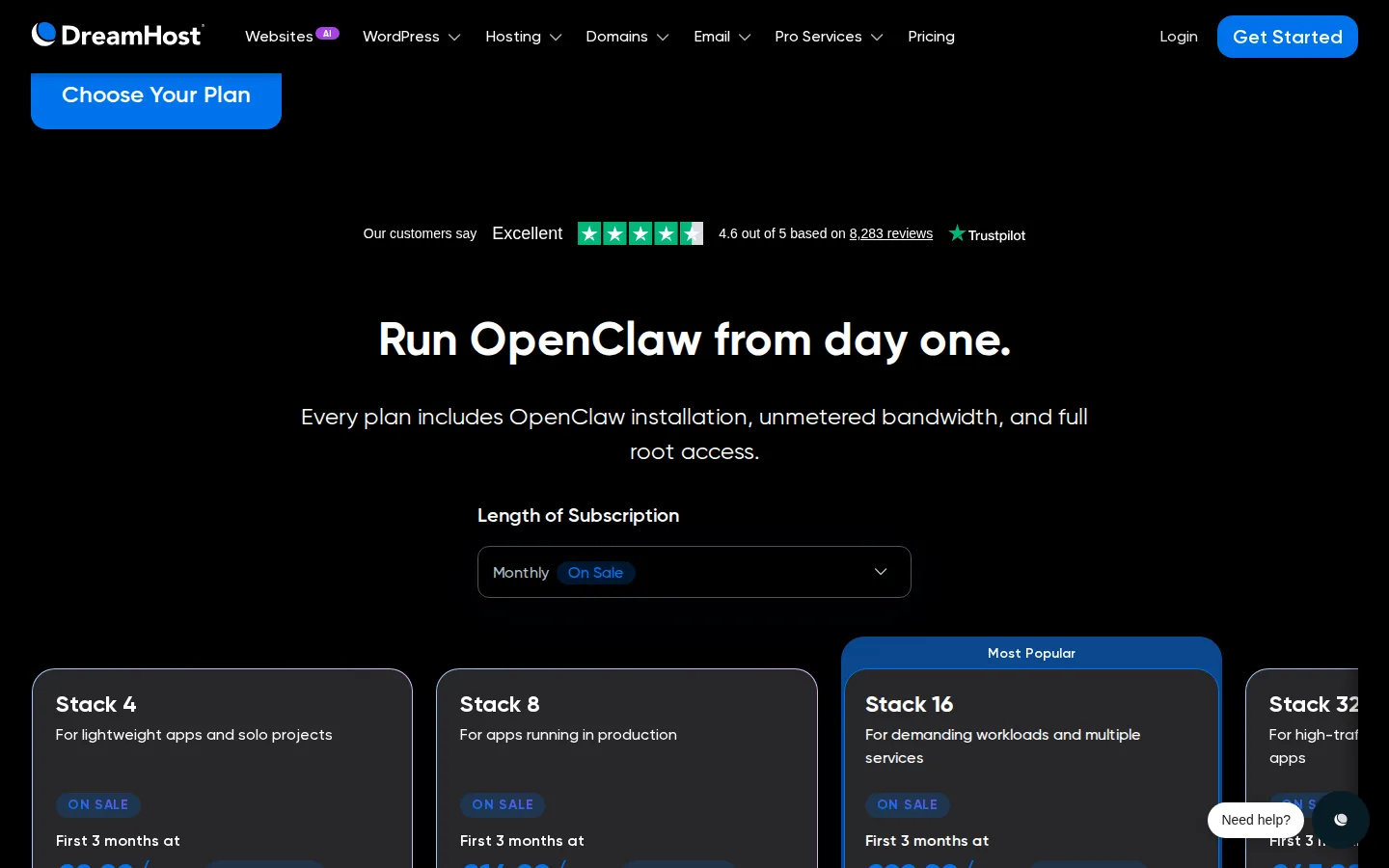
The OpenClaw discount follows the same rules as the n8n one: up to 43% off for the first 3 months, with the largest cut on Stack 4, then the regular monthly price. The page labels Stack 4 for lightweight apps and solo projects, which matches a personal assistant used by one person. If the assistant serves a team or keeps a lot in memory, the larger Stack plans are the ones to look at.
How to get the OpenClaw hosting discount
- Open DreamHost's OpenClaw hosting page and compare the Stack plans.
- Pick a plan. Stack 4 has the biggest discount; choose a bigger plan if your assistant needs more memory, then check out.
- Log in and connect OpenClaw to WhatsApp, Telegram or Slack.
Vultr: $250 in credit to build the server yourself
If you would rather set up the server yourself, free credit is the cheaper way to start. Vultr gives new accounts created from its promo page $250 in free credits. Vultr's docs say trial credits last up to 30 days, and you have to add billing details before you can deploy anything.
That 30-day window matters more than the amount. $250 is plenty for a month of testing n8n or OpenClaw on a small server, but none of it carries over. Use the month to answer one question: how big a server does your workload really need? Once you know, you can compare that size with a managed plan on equal terms.
How to claim the Vultr credit
- Go to Vultr's $250 credit promo page.
- Create an account with your email and a password.
- Add a payment method so the credits can be claimed and servers deployed.
- Deploy your server and use the credits before they expire.
DigitalOcean: $200 in credit for 60 days
DigitalOcean offers new accounts $200 in credit for the first 60 days. The credit can go on Droplets, Kubernetes, databases and other DigitalOcean resources, and it is for new accounts only.
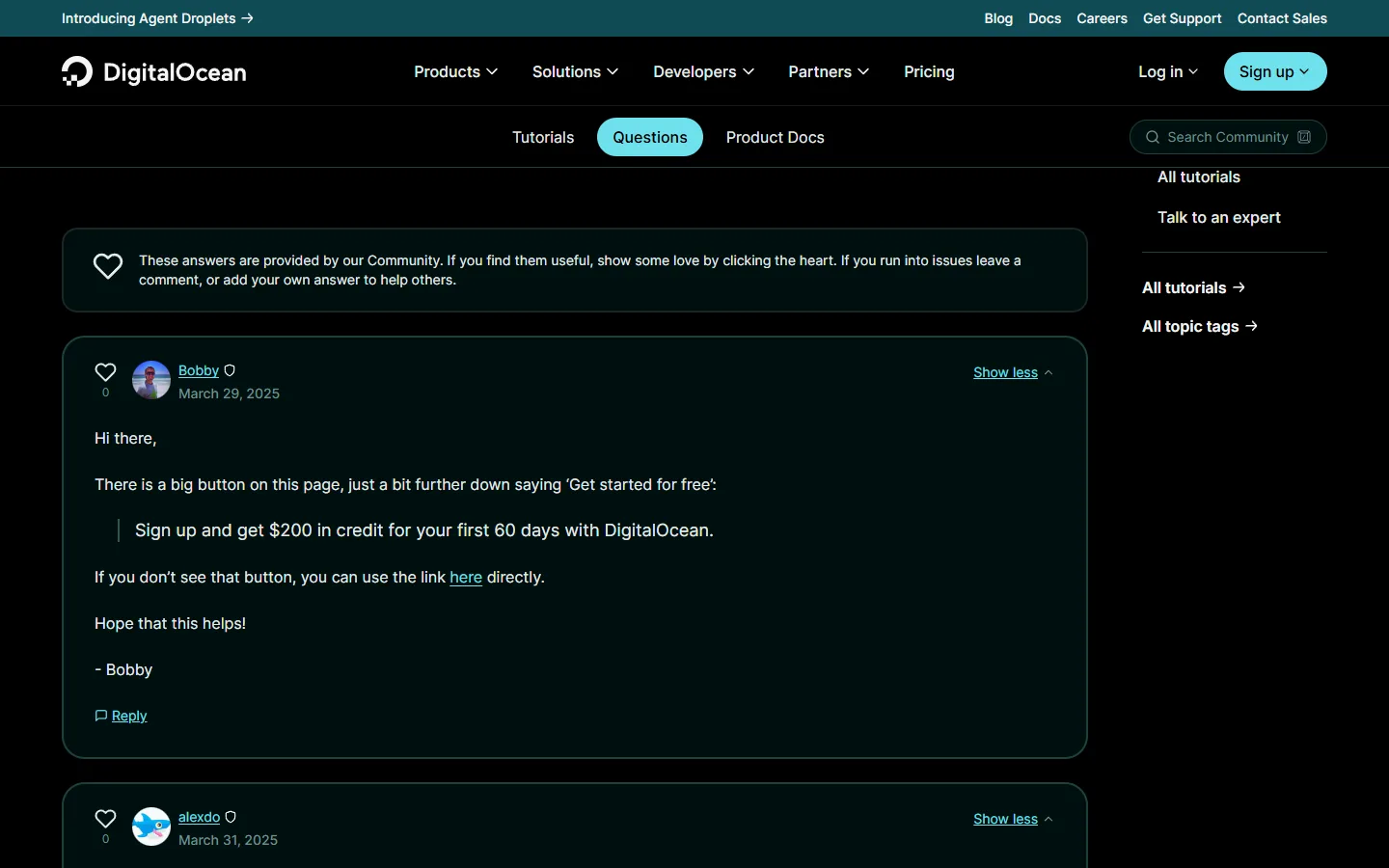
The amount is lower than Vultr's, but the window is twice as long. For an automation server that is a real difference. Workflows show their problems over weeks, not days: a webhook that fails once a fortnight, a job that slowly fills the disk, an API that rate-limits you at the end of the month. Sixty days gives you time to see those before you commit to anything.
How to claim the DigitalOcean credit
- Open DigitalOcean's sign-up offer.
- Create a new DigitalOcean account. Existing accounts do not qualify.
- Create a Droplet or other resources from your dashboard and use the credit within 60 days.
Managed or do-it-yourself: how the four compare
Put side by side, the offers split along one line: whether the software comes installed.
- DreamHost n8n: n8n, PostgreSQL and SSL ready on first login. Up to 43% off the first 3 months, then the regular price. Paid from day one.
- DreamHost OpenClaw: OpenClaw installed for you. Same discount and renewal terms.
- Vultr: $250 in credit for up to 30 days. You install and maintain everything. Billing details required.
- DigitalOcean: $200 in credit for 60 days. You install and maintain everything. New accounts only.
The free credits win on price for the first month or two, and lose on time. Installing n8n with a database and SSL, setting up backups and keeping the server updated is a few hours of work at the start and a little every month after. If you enjoy that, or you already run servers, the credits are the obvious pick. If you want the workflow and not the server, the pre-installed DreamHost plans remove that work for the price of the plan.
Which one should you pick
- You want n8n running today and have never set up a server: DreamHost n8n hosting on Stack 4.
- You want a personal AI assistant in your chat apps: DreamHost OpenClaw hosting on Stack 4.
- You want to test cheaply and you are comfortable on the command line: Vultr's $250, used for a focused 30-day test.
- You want a longer trial before deciding anything: DigitalOcean's $200 over 60 days.
A sensible order for many people is to test on free credit first, learn what size of server the workload needs, and only then decide between running it yourself and paying for a managed plan.
To make that test useful, run the workflows you actually plan to keep, not a demo. Let them run on their real schedule, watch memory use during the busiest job, and note every time something needs your attention. If the server needed you twice in a month, that tells you more about the value of a managed plan than any price comparison. If it never needed you, building it yourself is probably the right call.
Common mistakes
- Forgetting the renewal price. DreamHost's discount covers the first 3 months. Check the regular monthly price of your plan before you pick it.
- Choosing a big plan for a small job. The deepest discount is on Stack 4, and light workflows rarely need more.
- Leaving test servers running. Vultr and DigitalOcean credits expire; servers keep running on the card you added. Delete what you no longer use.
- Assuming an old account qualifies. Both credit offers are for new accounts.
- Skipping backups on a self-built server. On Vultr or DigitalOcean, backups are your job. Set them up before you put real workflows on the server.
We check these offers against each provider's official page. The current details are on our pages for DreamHost n8n Hosting, DreamHost OpenClaw Hosting, Vultr and DigitalOcean.