
Microsoft Azure
Microsoft's cloud platform for apps, data and Azure OpenAI services
Azure for Students: $100 credit with no credit card
No end date announced
Regular → deal price
$0
Discount code
No code needed
Full-time students at a university or college, aged 18+, verified through your school email. Credit is valid for 12 months on most Azure products. Renew annually while you are still a student. No credit card required.
Step by step
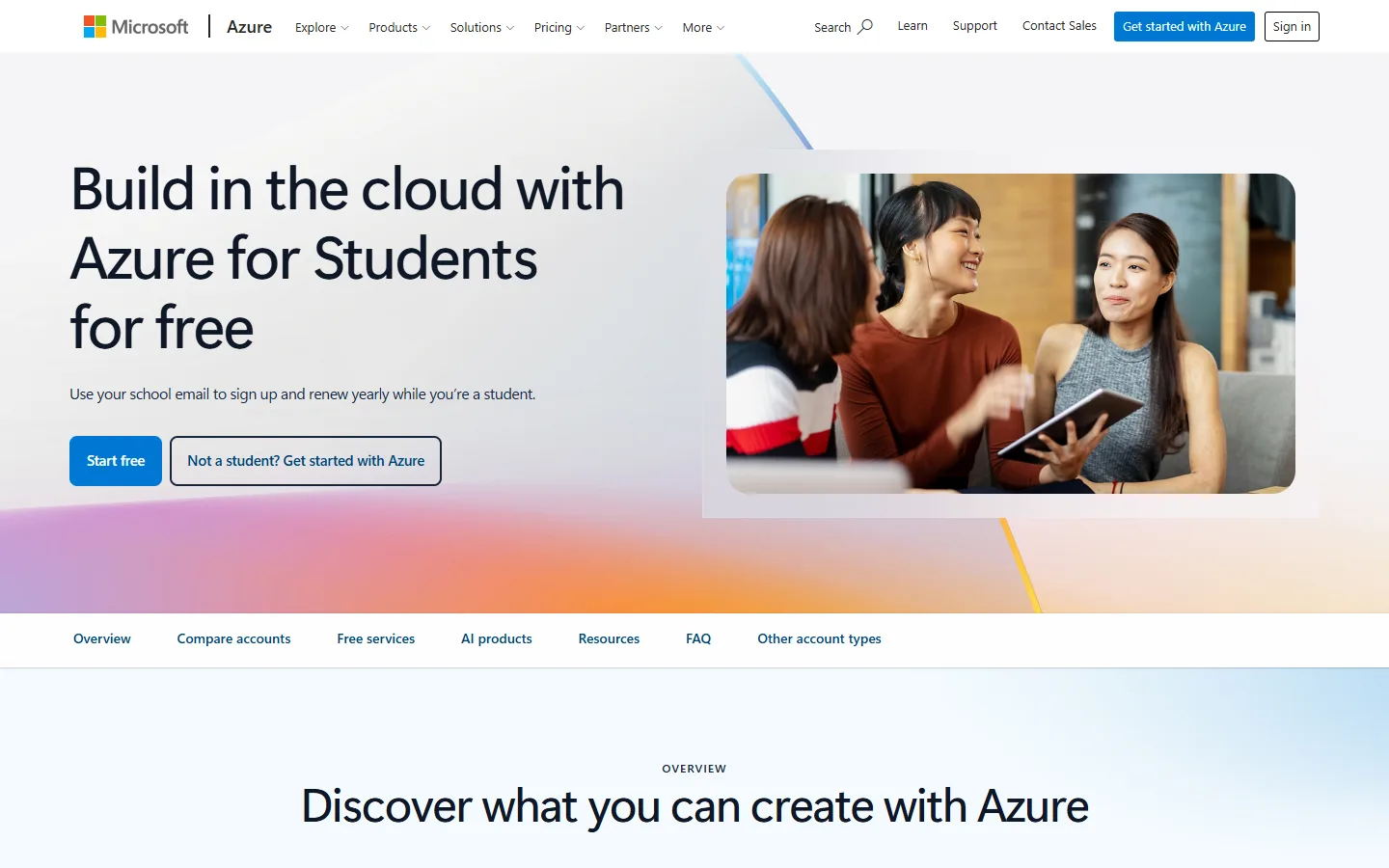
Screenshot taken on October 27, 2026. Red boxes show where to click.
Log in to save your progress.
Open Azure for Students
Go to the Azure for Students page and choose to start free.
Sign in
Sign in with a Microsoft account, or create one.
Verify with your school email
Enter your university email address and confirm the verification link Microsoft sends.
Use your credit
Your $100 credit appears in the Azure portal and can be used for 12 months.
Did this deal work for you?
Frequently asked questions
Is there an option for high school students?
Microsoft lists a separate Azure for Students Starter offer, which also needs no credit card.