
GitHub Copilot: Copilot Pro free for verified teachers and open-source maintainers
Regular → deal price
$10/mo$0
Discount code
No code needed
Two ways to qualify: be a verified teacher on GitHub Education, or be a maintainer of a popular open-source repository (GitHub decides which repositories qualify). GitHub reevaluates eligibility every month. Free plans granted this way cannot be cancelled by the user.
Step by step
Screenshot taken on October 27, 2026. Red boxes show where to click.
Log in to save your progress.
Get verified or check your repos
Teachers apply to GitHub Education as a teacher; maintainers need a popular open-source repository on their account.
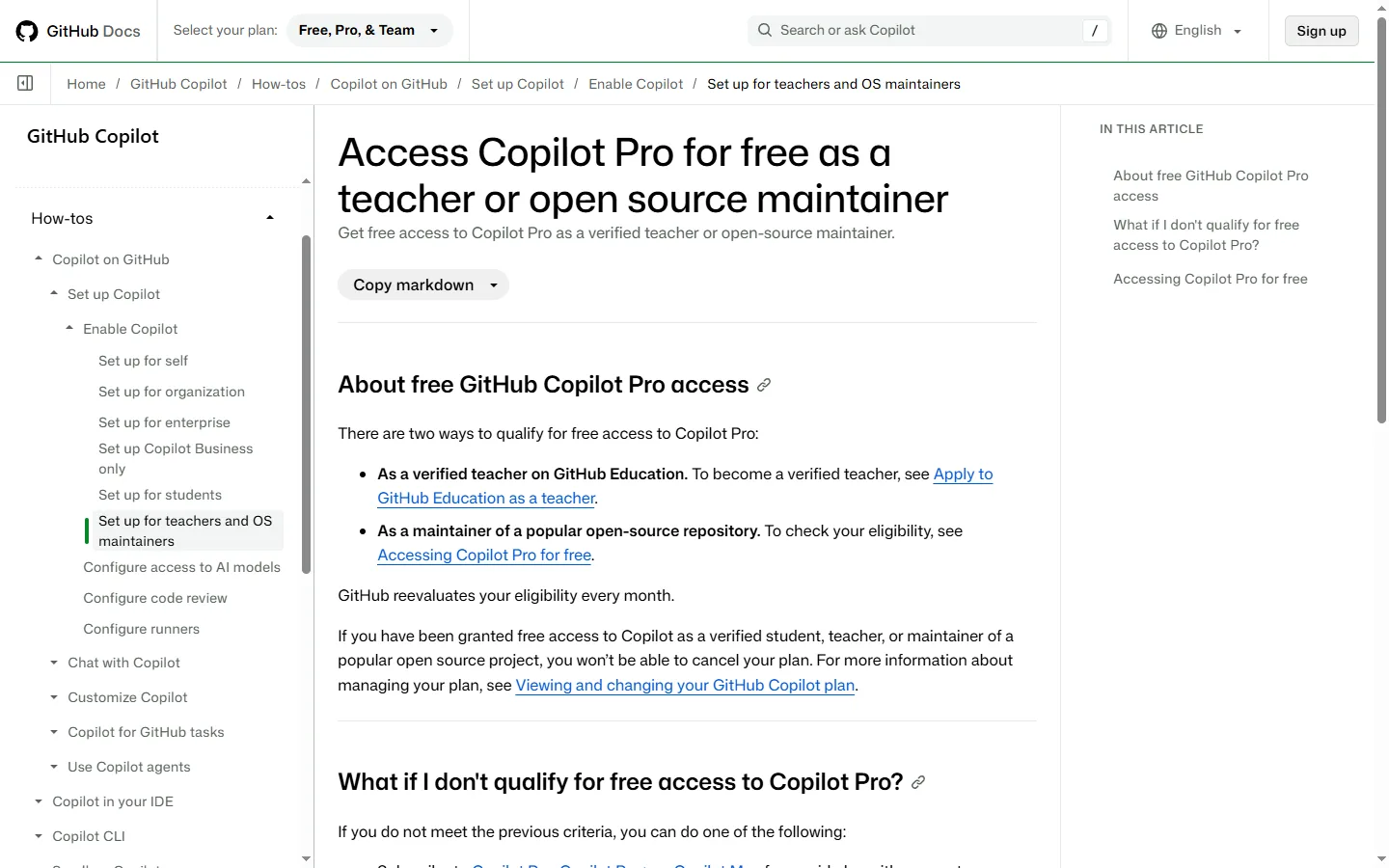
Open Copilot settings
Click your profile picture in the upper-right corner of GitHub, then click Copilot settings.
Claim access
If you qualify, a page titled GitHub Copilot Pro appears. Click Get access to GitHub Copilot, set your policies and click Save and complete.
Did this deal work for you?
Frequently asked questions
How do I know if my repository qualifies?
GitHub does not publish a threshold. If you qualify, Copilot settings shows a page saying you are eligible.