
Microsoft Azure: $200 credit for 30 days with a free account
Regular → deal price
$0for 30 days
Discount code
No code needed
New Azure customers only, one free account with $200 credit per customer. The credit must be used within 30 days. A card is needed for verification; a temporary $1 authorization may be placed and reversed. The card is not charged unless you move to pay-as-you-go.
Step by step
Screenshot taken on October 27, 2026. Red boxes show where to click.
Log in to save your progress.
Open the Azure free account page
Go to the Azure account page and click "Try Azure for free".
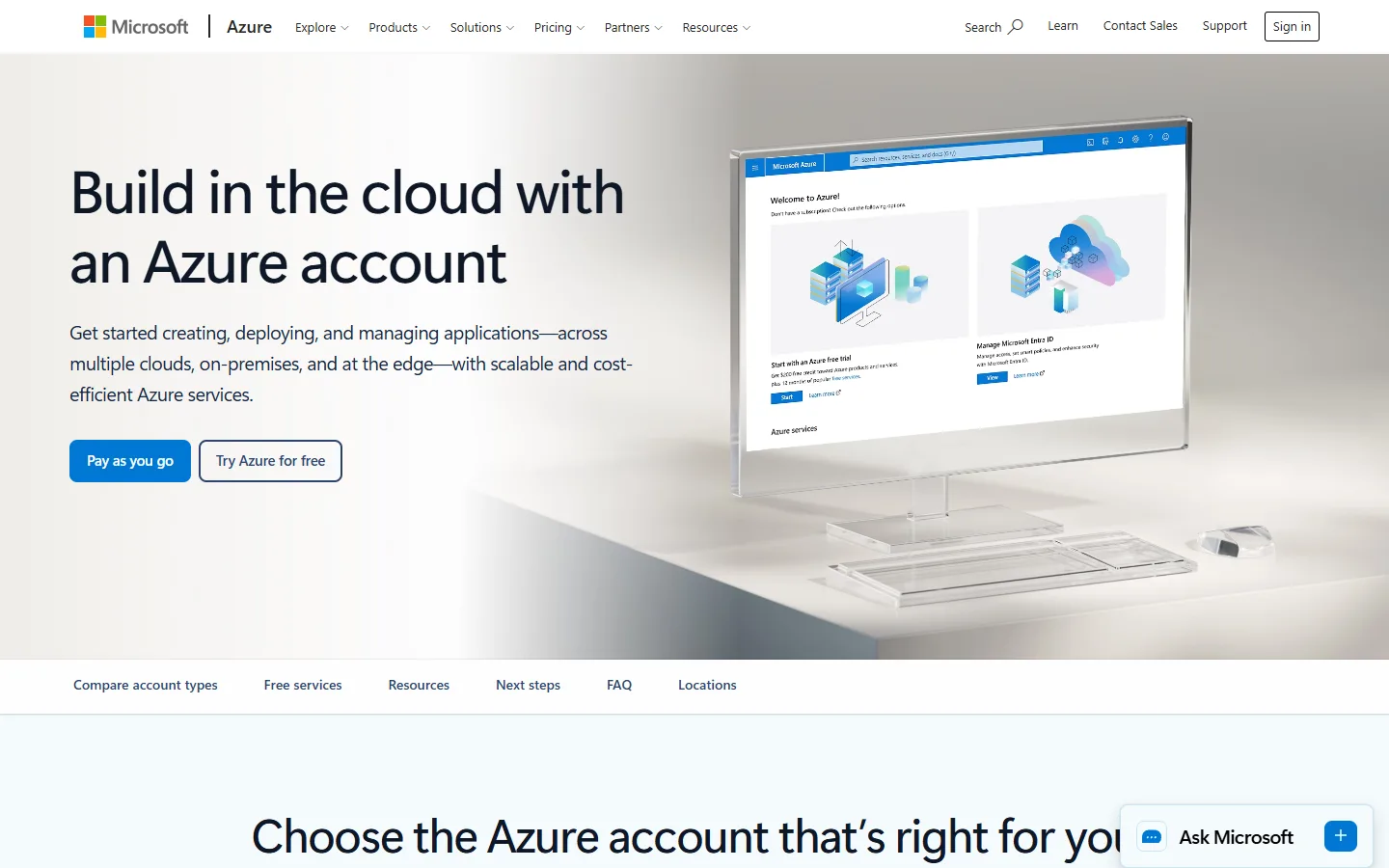
Sign in with a Microsoft account
Use or create a Microsoft account that has not had an Azure free account before.
Verify phone and card
Confirm your phone number and add a card. A temporary $1 authorization may appear and is reversed.
Use the credit within 30 days
The $200 credit appears in the Azure portal under Cost Management. Spend it within 30 days on any service.
Did this deal work for you?
Frequently asked questions
What happens after 30 days?
Unused credit expires. To keep using services beyond the free amounts, you move to pay-as-you-go pricing.
Source: azure.microsoft.com/en-us/pricing/purchase-options/azure-account