
Sentry
Error monitoring, tracing and session replay for developers
Sentry for nonprofits and open source: free sponsored account with 5M errors a month
No end date announced
The offer
Free sponsored plan
Discount code
No code needed
Nonprofits must be registered 501(c)(3) organizations. Open-source projects should use a license such as Apache or MIT. Sponsorship is at Sentry's discretion and is per organization. You can add a pay-as-you-go budget for usage above the quota.
Step by step
Screenshot taken on October 27, 2026. Red boxes show where to click.
Log in to save your progress.
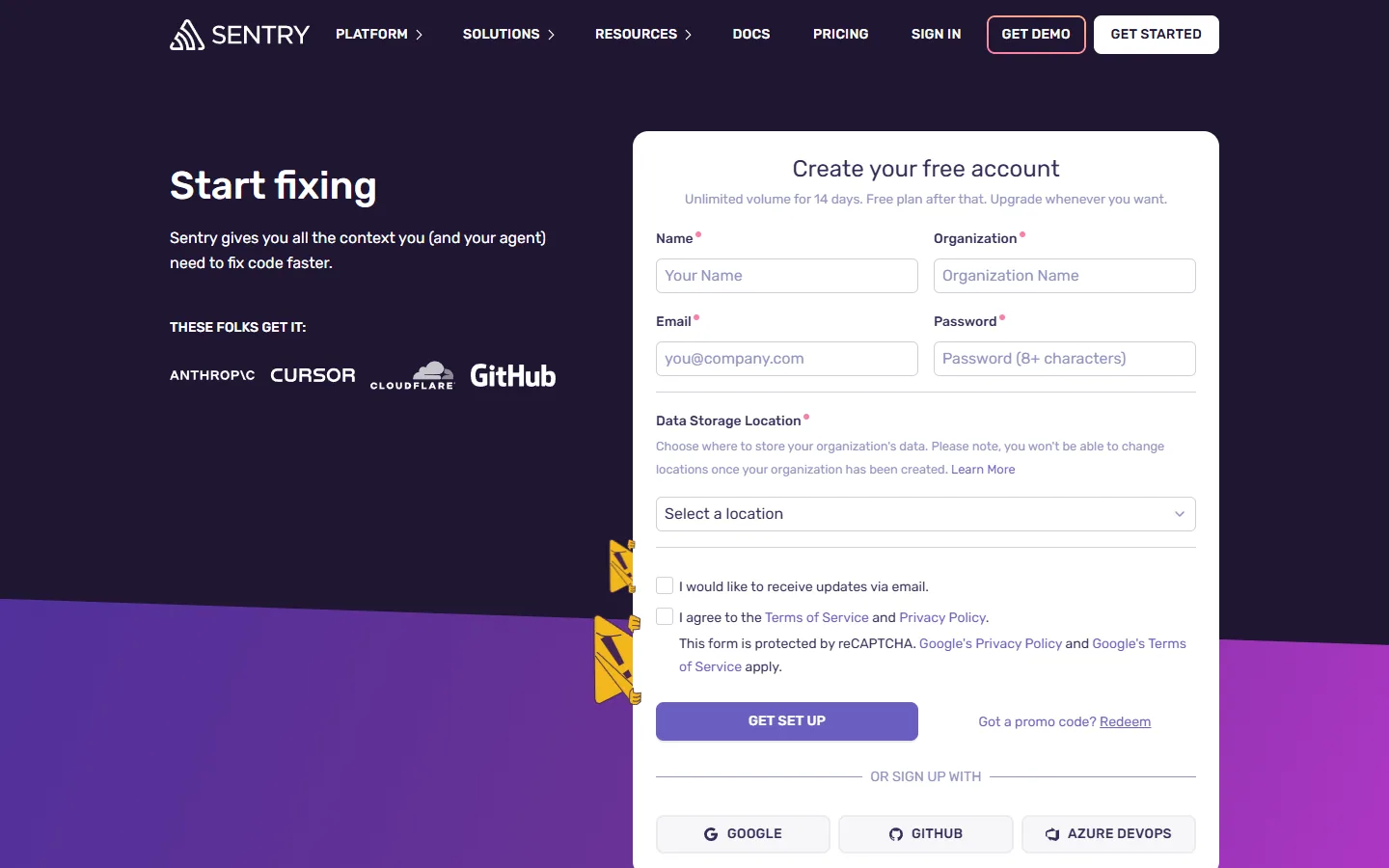
Create a free Sentry account
Set up an organization first; the form asks for its name and URL.
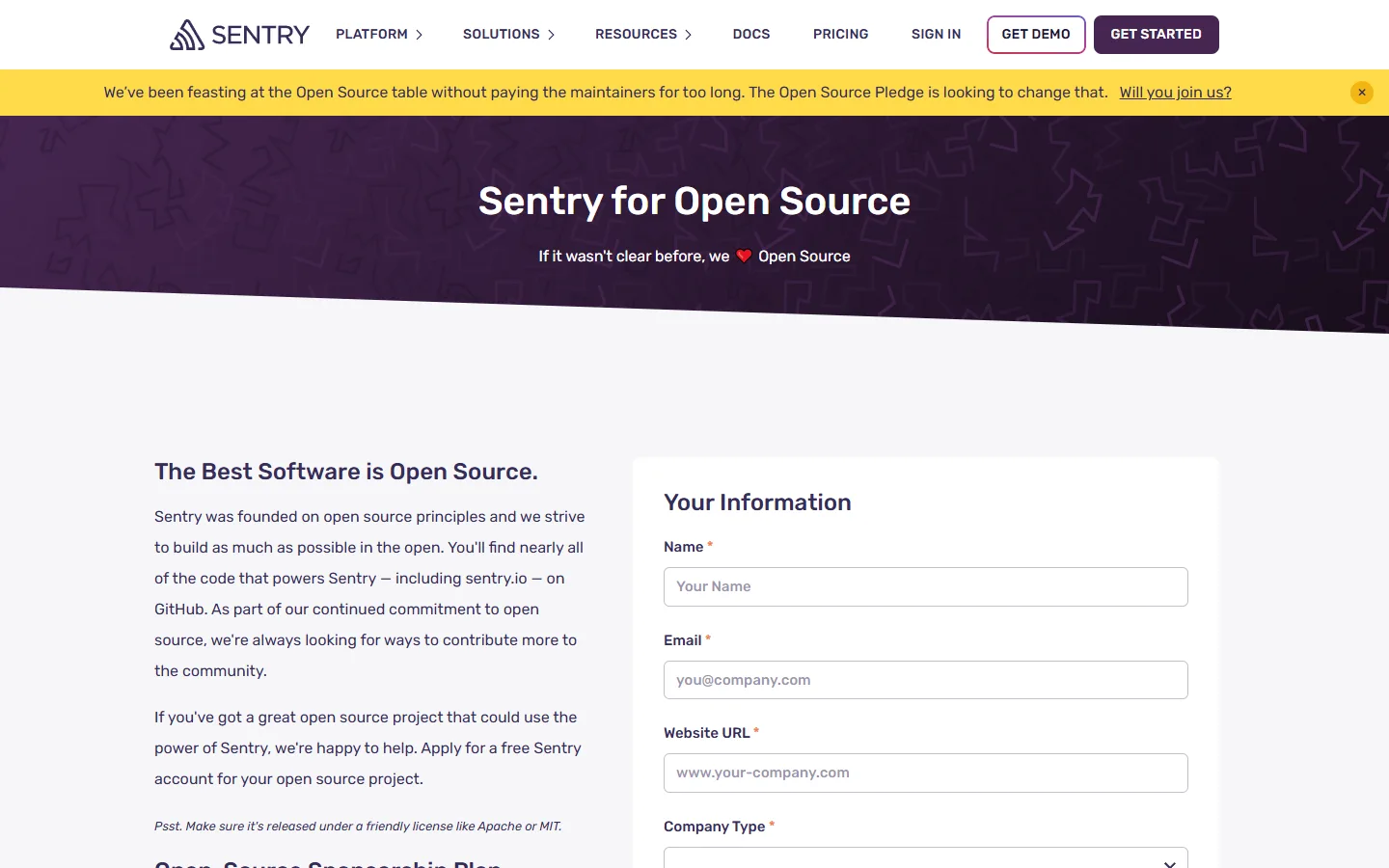
Open the sponsorship form
Choose Open-Source or Non-Profit as the company type.
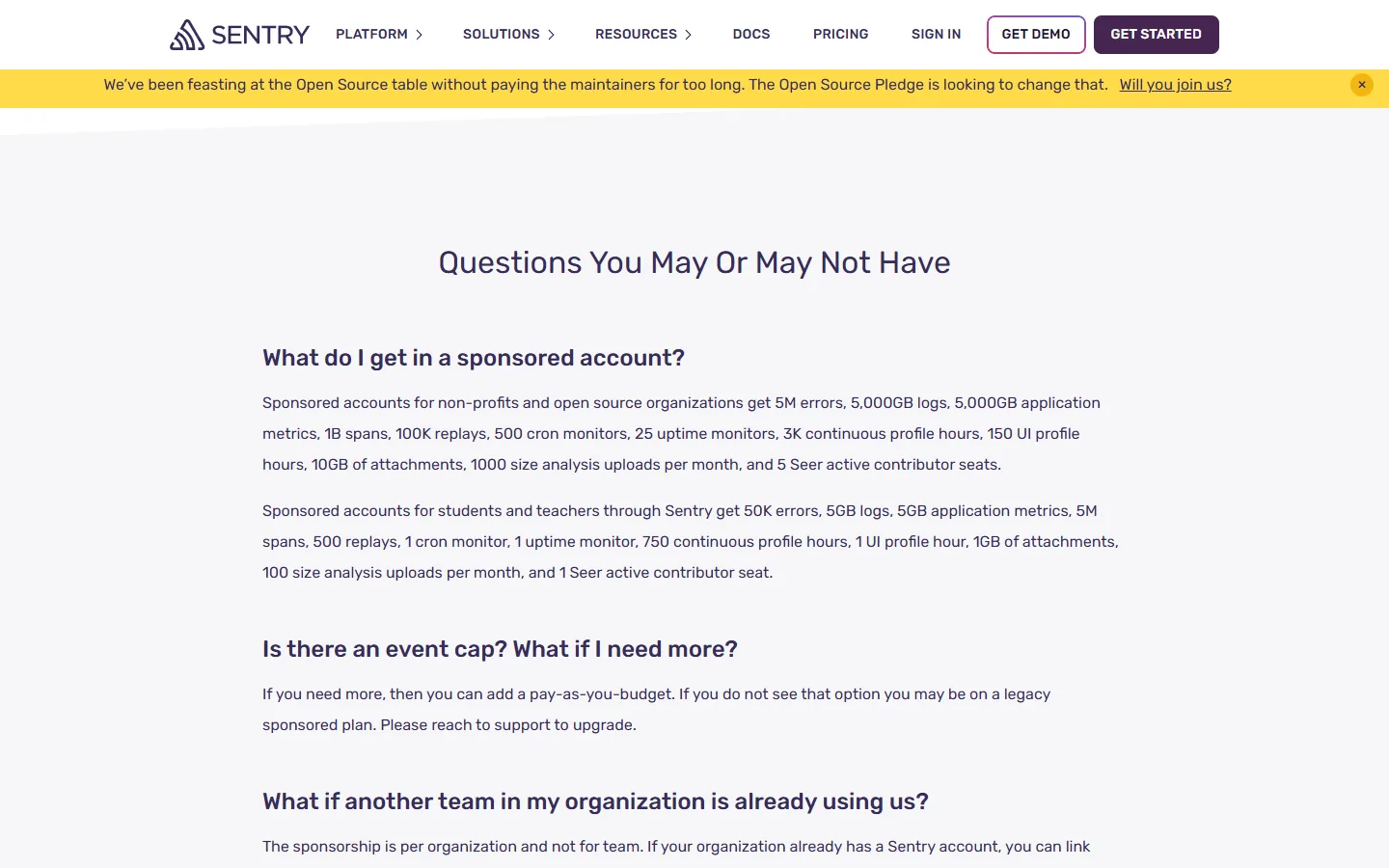
Submit project details
Add the project URL, a GitHub link to the license and a short description, then wait for review.
Did this deal work for you?
Source: sentry.io/for/good