Four cloud providers will let you run a server for free for a while: Kamatera, UpCloud, DigitalOcean and Vultr. The offers look alike at first, but they differ on the three things that decide whether a trial is useful to you: how much credit you get, how long you have to use it, and what you have to hand over before the first server boots.
In short, UpCloud gives the most credit ($500 for 30 days), DigitalOcean gives the longest window ($200 for 60 days), Vultr sits in between ($250 for up to 30 days) and Kamatera gives one server worth up to $100 for 30 days. Below we go through each offer as the provider describes it on its own pages, then look at which one fits which kind of test.
The four trials side by side
| Provider | Free credit | Time to use it | What to know first |
|---|---|---|---|
| Kamatera | Cloud services worth up to $100 | 30 days | One server, valid credit card required |
| UpCloud | $500 in credits | First 30 days | Shown as €500 on the European site |
| DigitalOcean | $200 in credit | First 60 days | New accounts only |
| Vultr | $250 in credits | Up to 30 days | Billing details before you deploy |
A bigger number is not automatically the better trial. Credit you cannot spend before it expires is worth nothing, so the window matters as much as the amount. If you only need a small server to test a script or a website, every one of these offers is more than enough. If you want to try a heavier setup with several machines, the size of the credit starts to matter.
UpCloud: $500 for the first 30 days
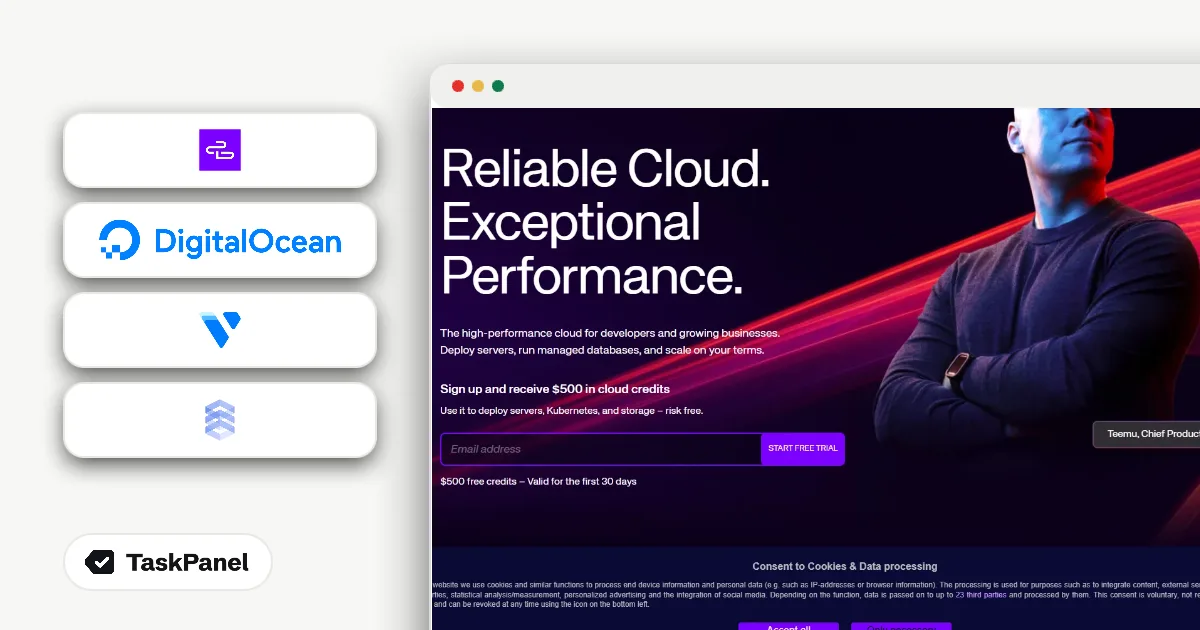
UpCloud describes itself as a fast European cloud with MaxIOPS storage and hourly billing. Its homepage puts the trial in one line: "$500 free credits – Valid for the first 30 days." The credit can go to cloud servers, Kubernetes or storage, so you are not limited to a single machine.

The full details are on our page for UpCloud's $500 trial. The European site shows the same offer as €500.
$500 in 30 days is a lot of room. You could run a small cluster, try managed Kubernetes or test how a database behaves on UpCloud's storage, and still not reach the limit. The catch is the clock: whatever you have not used after 30 days is gone. Plan your tests before you sign up so you spend the first week building, not reading documentation.
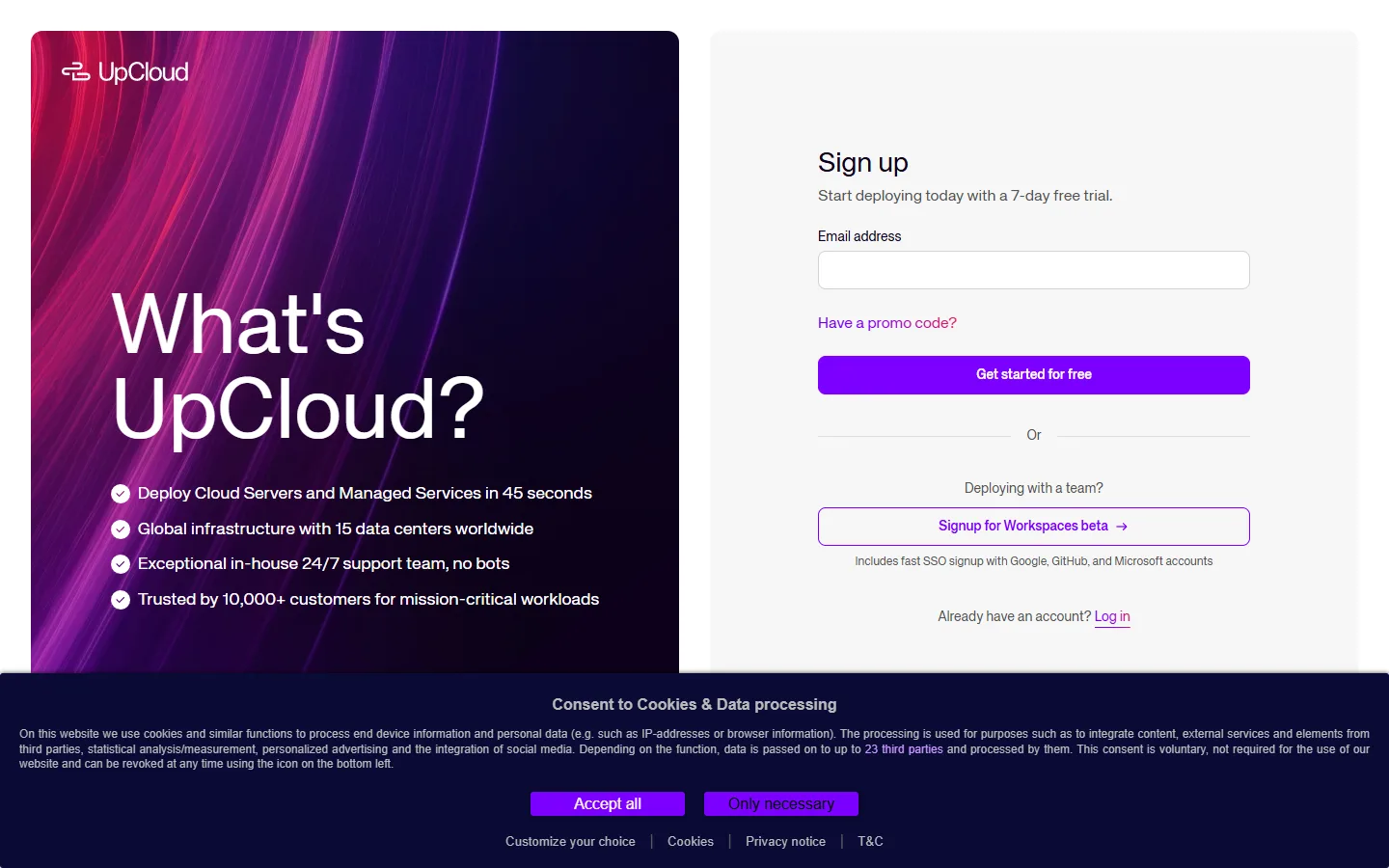
How to start the UpCloud trial
- Open UpCloud's homepage and check the $500, 30-day trial offer.
- Create an account with your email to start the free trial.
- Pick a plan and spend the credit on servers, Kubernetes or storage within 30 days.

If you are building a product, UpCloud also runs a separate program for startups with up to $3,000 in credits. That one needs an application and approval, and the amount depends on UpCloud's review. It is a different offer from the $500 trial for new accounts.
DigitalOcean: $200 for the first 60 days
DigitalOcean is a developer cloud with Droplets (its name for virtual servers), managed Kubernetes, databases and GPU Droplets. New accounts get $200 in credit for the first 60 days. The community page that carries the offer says it plainly: "Sign up and get $200 in credit for your first 60 days with DigitalOcean."
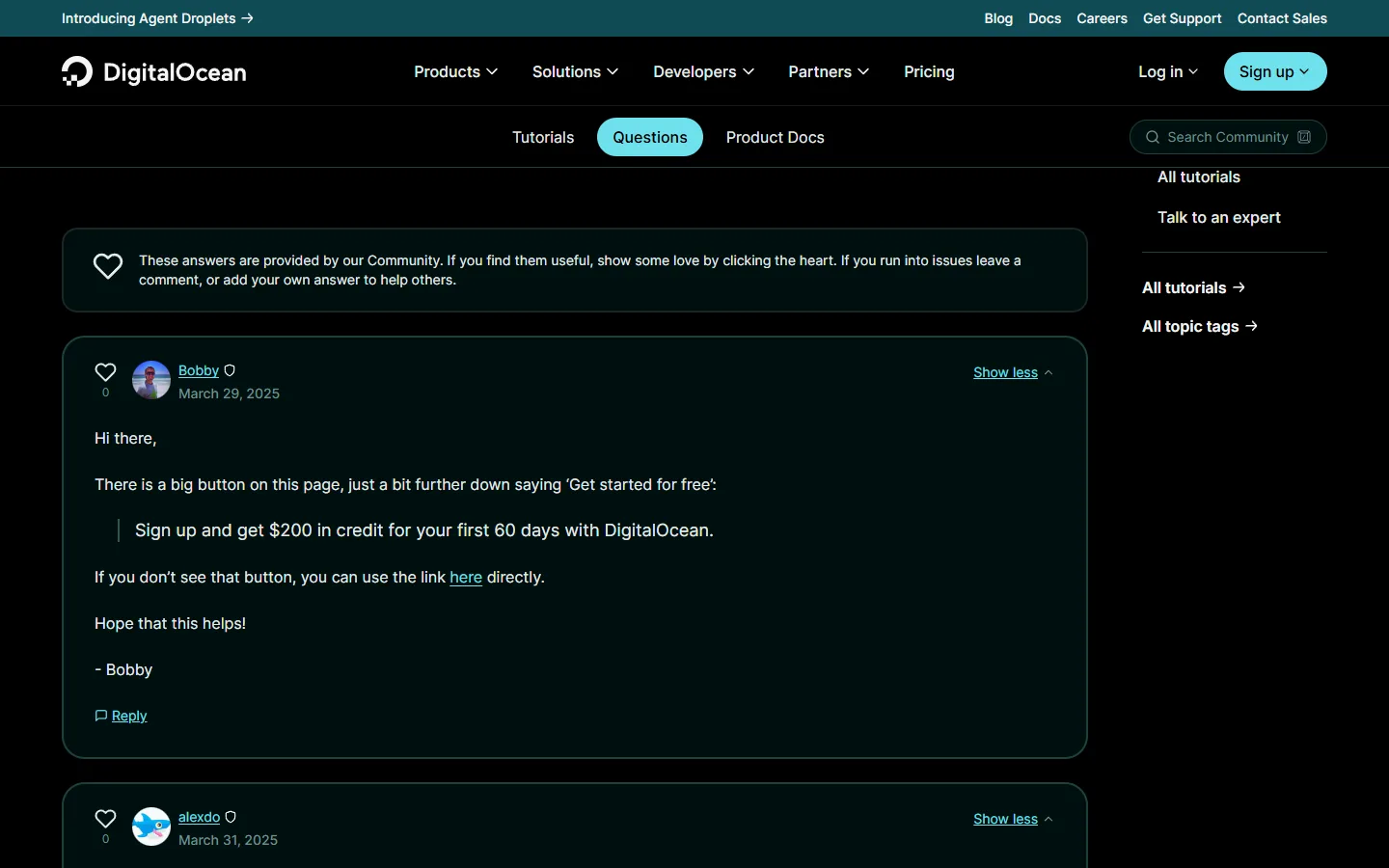
This is the trial with the most time. Sixty days is long enough to run something real, watch it through a few weekly cycles and see what breaks. That makes DigitalOcean a good pick when the question is not "can I install this?" but "will this keep running without me?". A side project, a small API or a staging copy of a website all fit here.
How to get DigitalOcean's $200
- Open the sign-up offer on DigitalOcean's community page.
- Create a new account. The credit is for new accounts only.
- Create Droplets or other resources from your dashboard. Credit left after the first 60 days is no longer available.
Vultr: $250 for up to 30 days
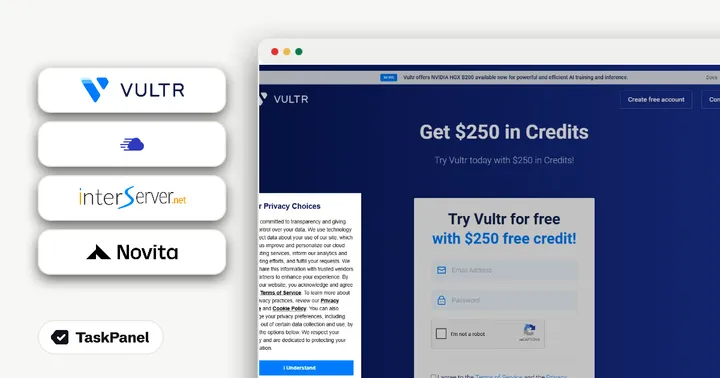
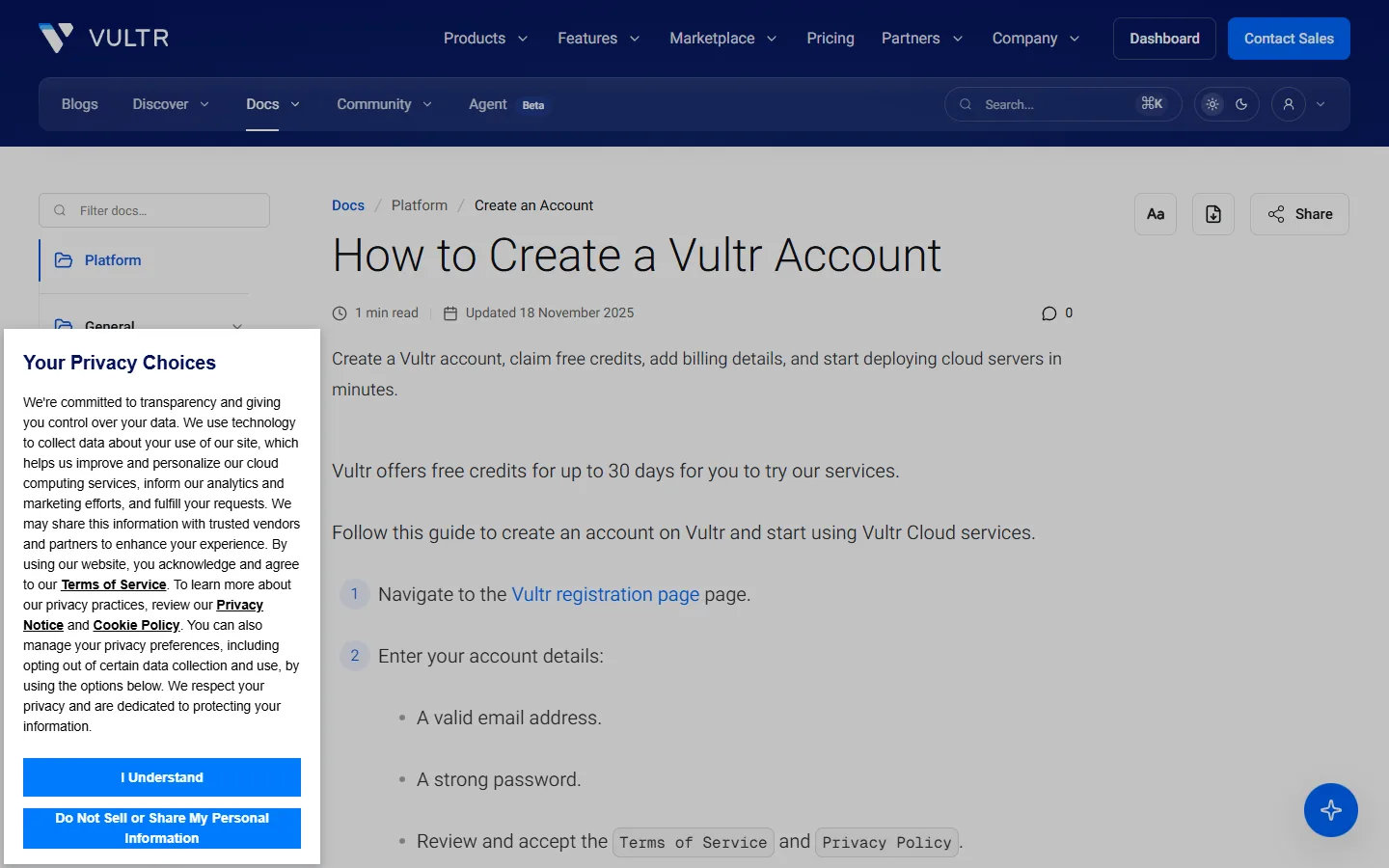
Vultr sells cloud compute in many regions worldwide. Its promo page offers $250 in free credits for new accounts under the line "Try Vultr for free with $250 free credit!" Vultr's documentation says trial credits last up to 30 days.

Two details shape this trial. First, you add billing details before you can deploy, so have a payment method ready. Second, the promo page itself does not list every eligibility rule, so treat the offer as one for new accounts created from that page and check your balance after sign-up.
How to claim Vultr's credit
- Open Vultr's $250 promo page.
- Create an account with your email and a password.
- Add a payment method so the credits can be claimed and servers deployed.
- Deploy servers and use the credits before they expire.
Funded startups have a bigger option at Vultr too: the Digital Start-up Program with up to $100K in credits. It is only for companies with recent Series A to E funding that can share six months of cloud invoices, so it is not a trial for individuals.
Kamatera: one server worth up to $100 for 30 days
Kamatera offers cloud servers with hourly or monthly billing. Its free trial page reads: "Sign up for a free 30-day trial to receive cloud services worth up to $100." In practice that means one cloud server valued up to $100, with 1 TB of block storage and 1 TB of traffic.
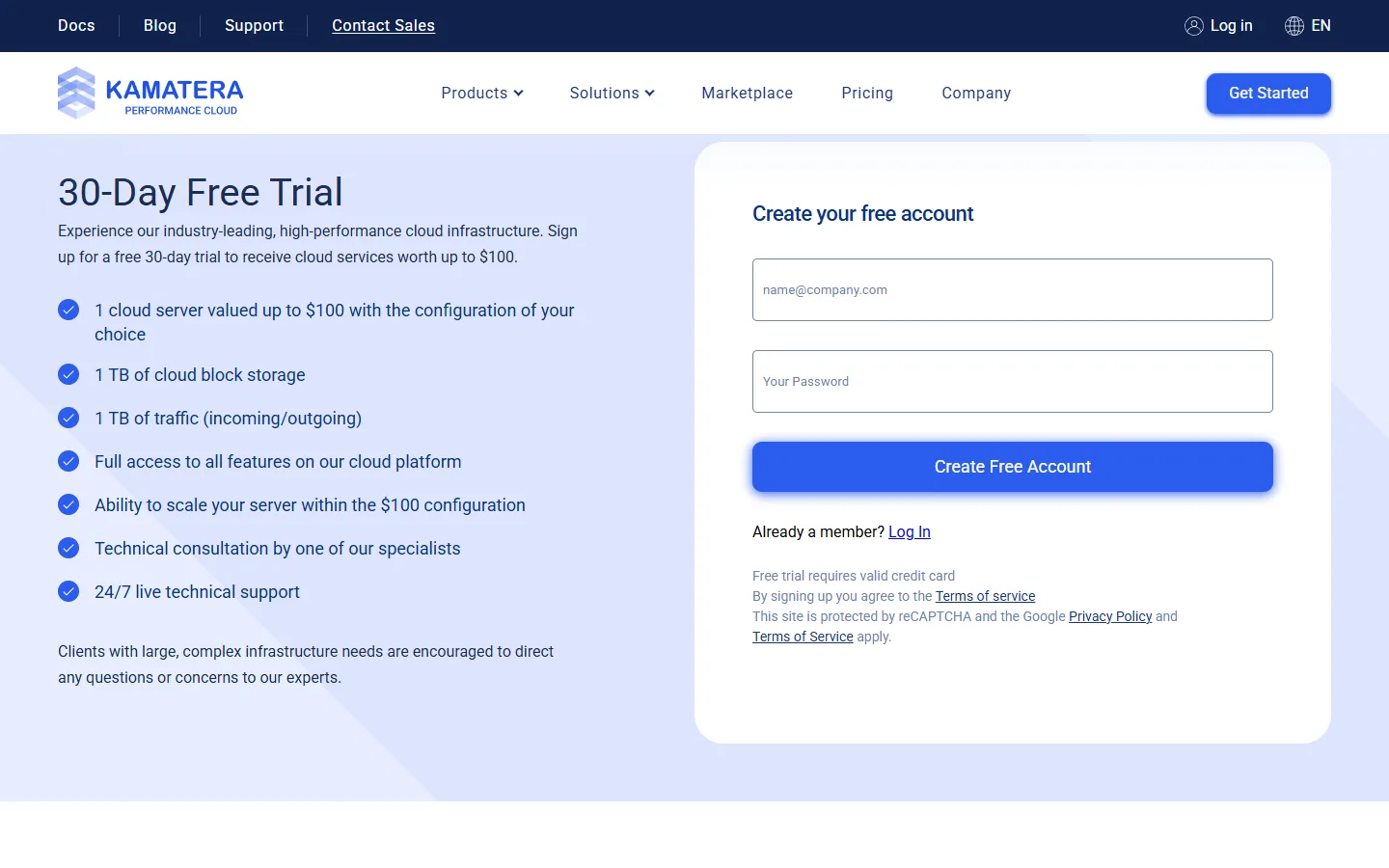
Kamatera's trial is the smallest of the four in credit, and it is limited to a single server. It is still a useful one when you already know what you want to run and only need to see how it performs. Kamatera lets you choose the server's resources yourself, so you can size the trial machine close to what you would pay for later. The terms are on our page for Kamatera's 30-day free trial.
How to start the Kamatera trial
- Open Kamatera's free trial page.
- Create your account. Kamatera asks for a valid credit card to start the trial.
- Create one server that stays within the $100 limit, using up to 1 TB of block storage and 1 TB of traffic over the 30 days.
Which trial fits which test
The right choice depends less on the provider and more on what you want to learn in the trial period.
- You want to try a bigger setup for a short time. UpCloud's $500 covers several servers, Kubernetes or storage experiments within 30 days.
- You want to see if something runs reliably. DigitalOcean's 60 days give you two months of real uptime to watch.
- You want a single test server with a generous budget. Vultr's $250 for up to 30 days is plenty for one or two machines.
- You know exactly what you need and want to size it precisely. Kamatera's single trial server worth up to $100 lets you test one configuration for 30 days.
Nothing stops you from using more than one. Each offer is for new accounts with that provider, so you could compare the same workload on two clouds in the same month and keep whichever feels better. That is often a better test than any benchmark you read online, because it measures your own application.
How to get the most out of a free server trial
Free credit is easy to waste. A few habits make the difference between a trial that tells you something and one that runs out while you are still deciding what to install.
- Write the test plan first. List what you want to run and what "good enough" looks like: response time, memory use, how long a backup takes.
- Start small and scale up. A small server tells you quickly whether your setup works. Move to a bigger plan only when you have a reason.
- Put a reminder in your calendar. Set it a few days before the credit expires so you can decide calmly whether to keep, move or delete the server.
- Keep a copy of your configuration. If you save your setup steps or scripts, moving from one provider to another later takes minutes instead of an afternoon.
Common mistakes
- Forgetting that servers keep running. When the credit ends, running servers continue on the payment method you added. Delete what you no longer need before the trial ends.
- Signing up with an existing account. These offers are for new accounts. An account you opened years ago will not get the credit.
- Mixing up trial and startup programs. UpCloud's up to $3,000 and Vultr's up to $100K need an application and approval. They are not the same as the sign-up trials.
- Leaving the test for the last week. UpCloud, Vultr and Kamatera give you 30 days. A late start leaves most of the credit unused.
We check these offers against each provider's official page and update our deal pages when something changes. The current details are on our pages for UpCloud, DigitalOcean, Vultr and Kamatera.