Yes, you can use AssemblyAI for free, and you do not need a credit card to start. Every new account can process up to $50 of audio on the free tier, which AssemblyAI puts at about 185 hours of pre-recorded transcription. Sign up through a referral link and the starting credit doubles to $100. Startups building voice products can also apply for twelve months of recurring credits.
Those are three different offers with different rules. Below we go through each one as AssemblyAI describes it on its own pages, what the credit covers and what it does not, and how to make it last.
What AssemblyAI is
AssemblyAI sells speech AI as an API for developers: speech-to-text for recorded files, streaming transcription for live audio, and tools for building voice agents. You send audio, it sends back text and extra information about what was said. It is not an app you open to transcribe a single meeting; you call it from your own code or from an automation tool.
That matters for the free credit. You spend it by sending audio to the API, so the credit is most useful if you already have a project in mind, for example transcribing a podcast archive, adding captions to videos or testing live transcription in an app.
The three ways to get free credit
| Offer | Credit | Who can get it |
|---|---|---|
| Free tier sign-up | $50 in audio processing | Any new account, no card needed |
| Sign-up through a referral link | $100 in platform credits | New accounts created through the link |
| Startup Program | 12 months of recurring credits | Accepted startups, bootstrapped through Series A |
$50 on the free tier, no card needed
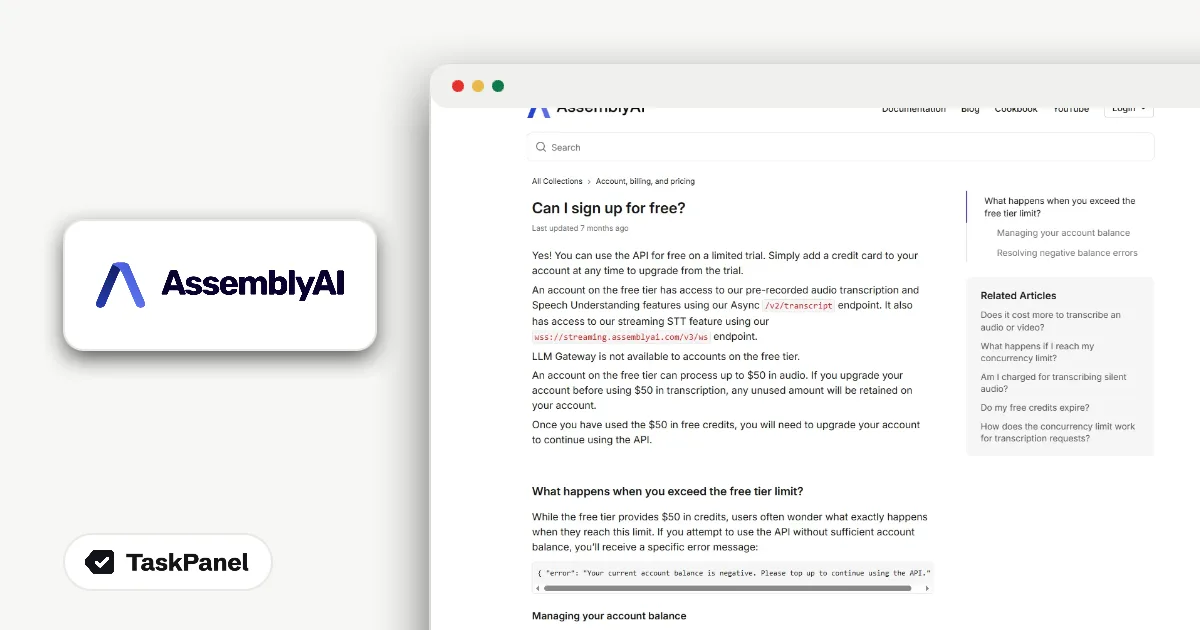
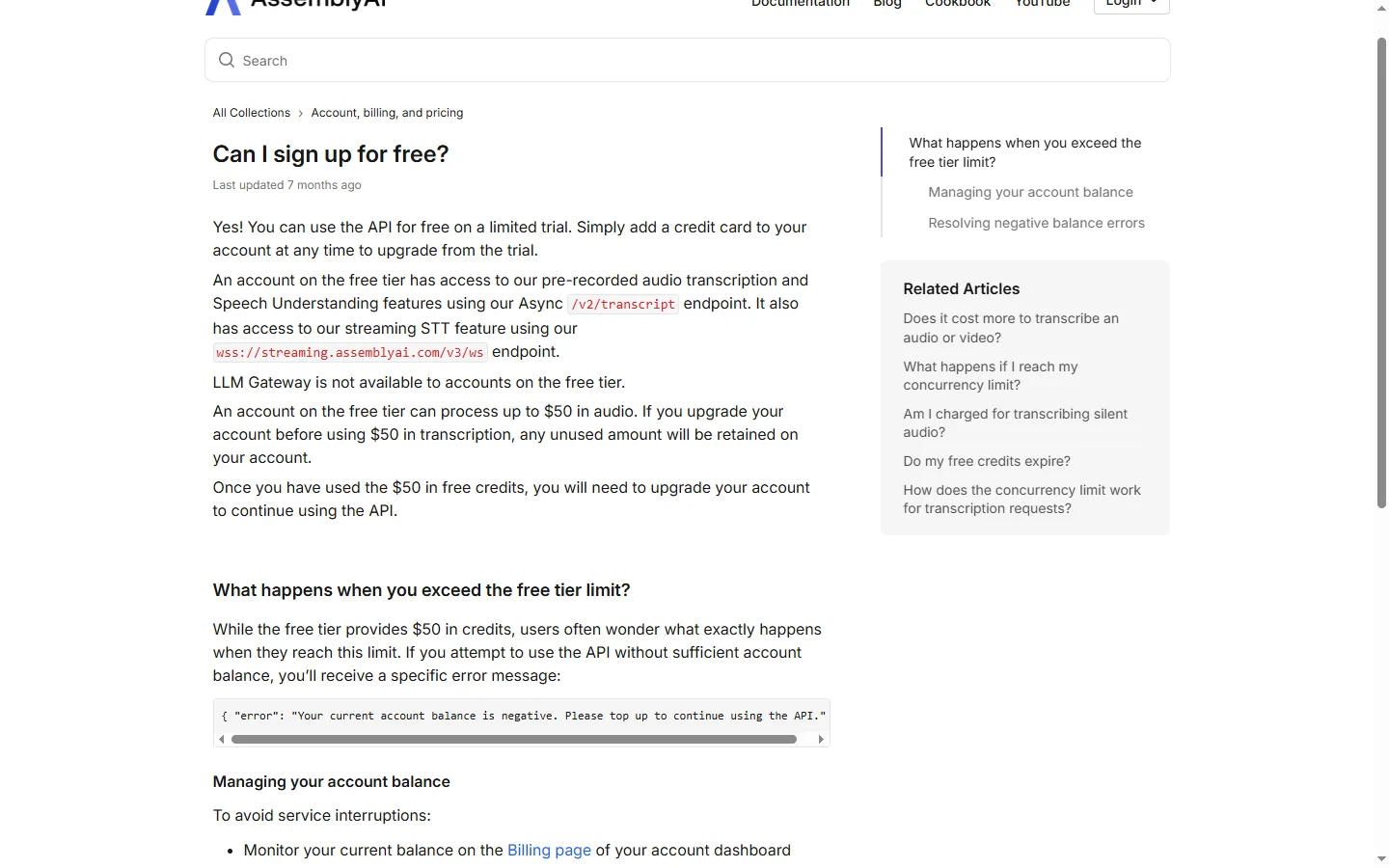
AssemblyAI's support article answers the question directly: "An account on the free tier can process up to $50 in audio. If you upgrade your account before using $50 in transcription, any unused amount will be retained on your account."
Three details are worth knowing before you start:
- The $50 covers pre-recorded transcription, Speech Understanding and streaming speech-to-text.
- AssemblyAI's LLM Gateway is not available on the free tier.
- If you upgrade before the $50 is used, the rest stays on your account. Upgrading early does not cost you the free credit.
About 185 hours of recorded audio is a lot for a test. It is enough to run a full podcast back catalogue through the API, or to compare the transcripts against your current tool on a few dozen real recordings. The terms are on our page for AssemblyAI's $50 free credit.
How to start on the free tier
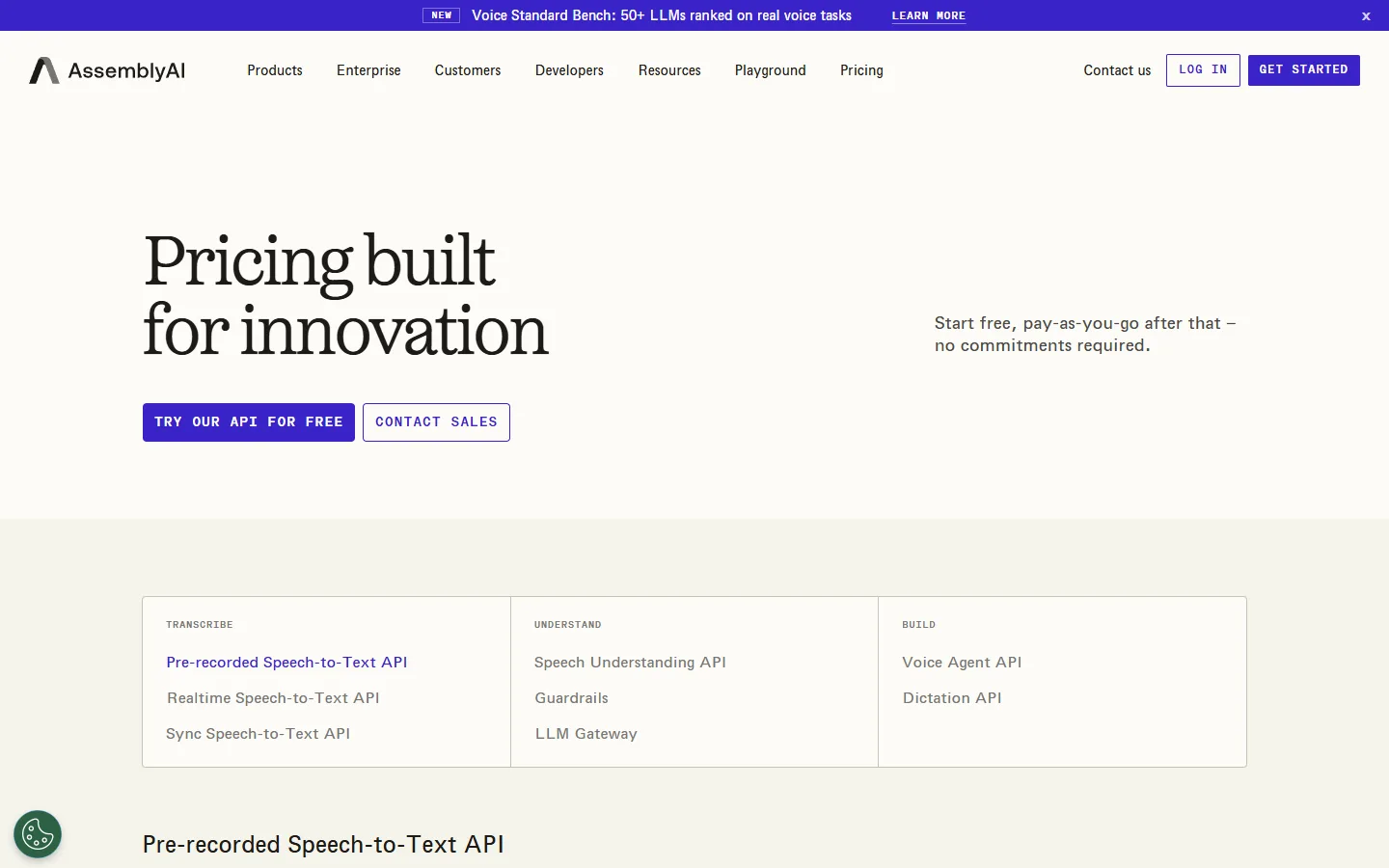
- Open AssemblyAI's pricing page and choose to try the API for free.
- Create your account. No credit card is needed.
- Copy your API key from the dashboard and start sending audio.
- Watch your usage on the Billing page and add a card when the $50 runs out.
$100 when you sign up through a referral link
AssemblyAI runs a referral program. Its page says people who join through a referral link "will be granted $100.00 in non-transferable AssemblyAI platform credits." In practice that is the usual $50 sign-up credit plus a $50 referral bonus.
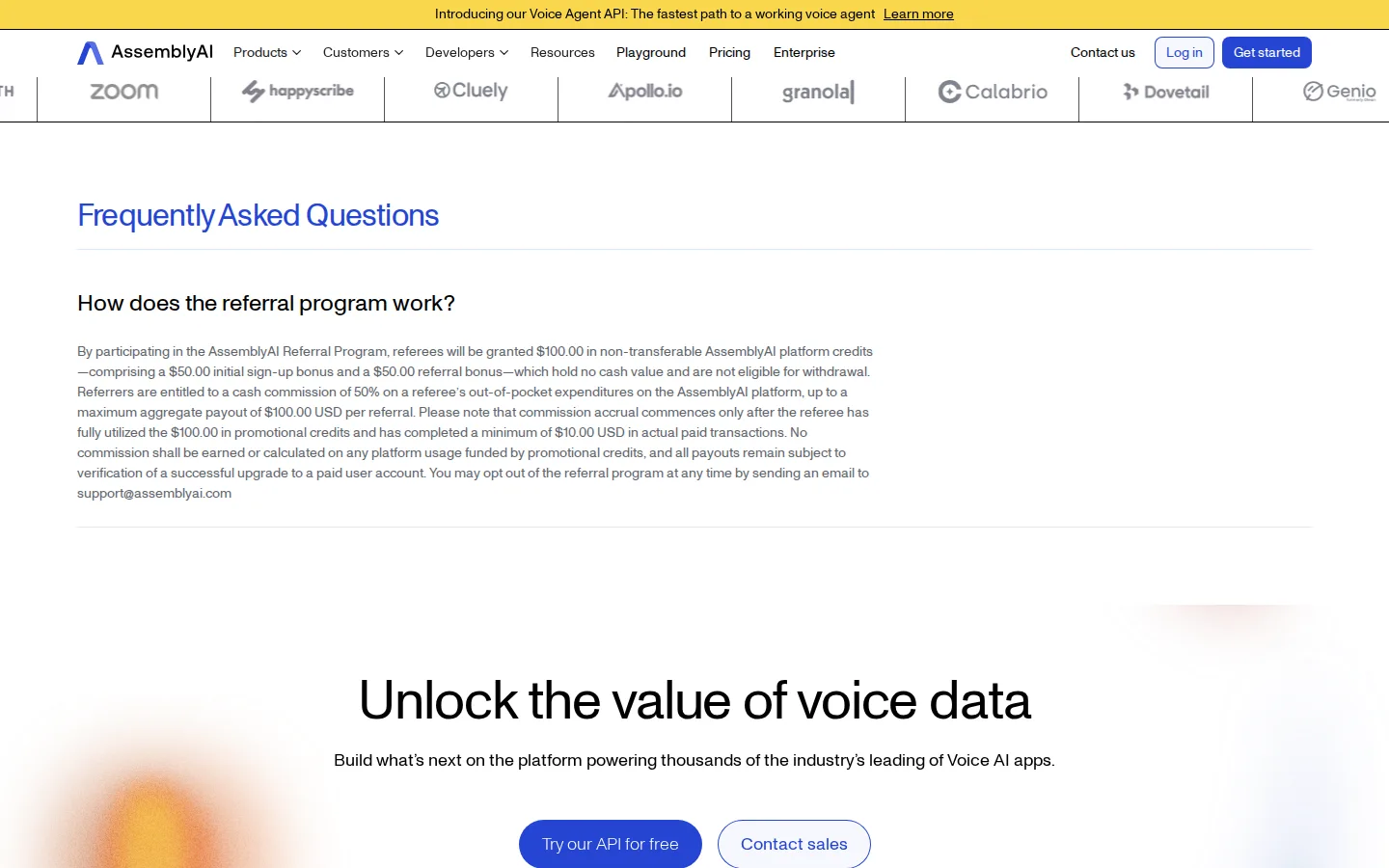
The rules are simple. The extra credit only applies to new accounts created through the referral link, the credits cannot be transferred and they have no cash value. If you have not opened an AssemblyAI account yet, there is no reason to sign up without one. Our page for AssemblyAI's $100 referral credit carries the link.
How to get the $100
- Open the sign-up link from our deal page. The extra $50 only applies to accounts created through it.
- Create your account as a new user. No card is needed to start.
- Check the credit balance in the bottom-left corner of your dashboard and start using the API.
The Startup Program: 12 months of recurring credits
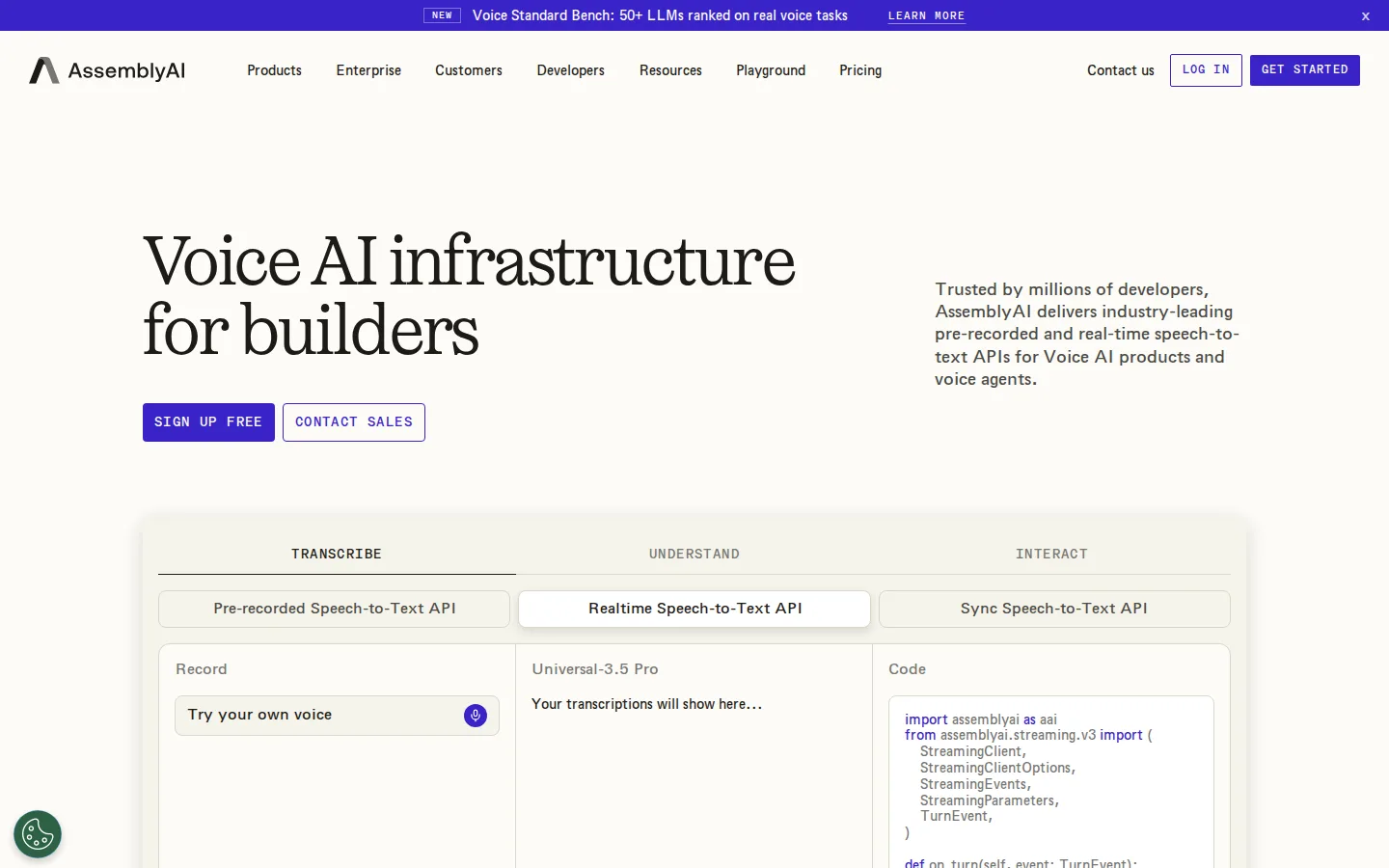
For companies building a product on voice, AssemblyAI has a Startup Program. Its page promises "12 months of recurring free credits and discounted startup pricing, access to all of AssemblyAI's latest features, exclusive co-marketing opportunities, and a global community of Voice AI builders."
Unlike the sign-up credit, this one comes every month for a year, and the discounted pricing continues after the credits run out. The conditions:
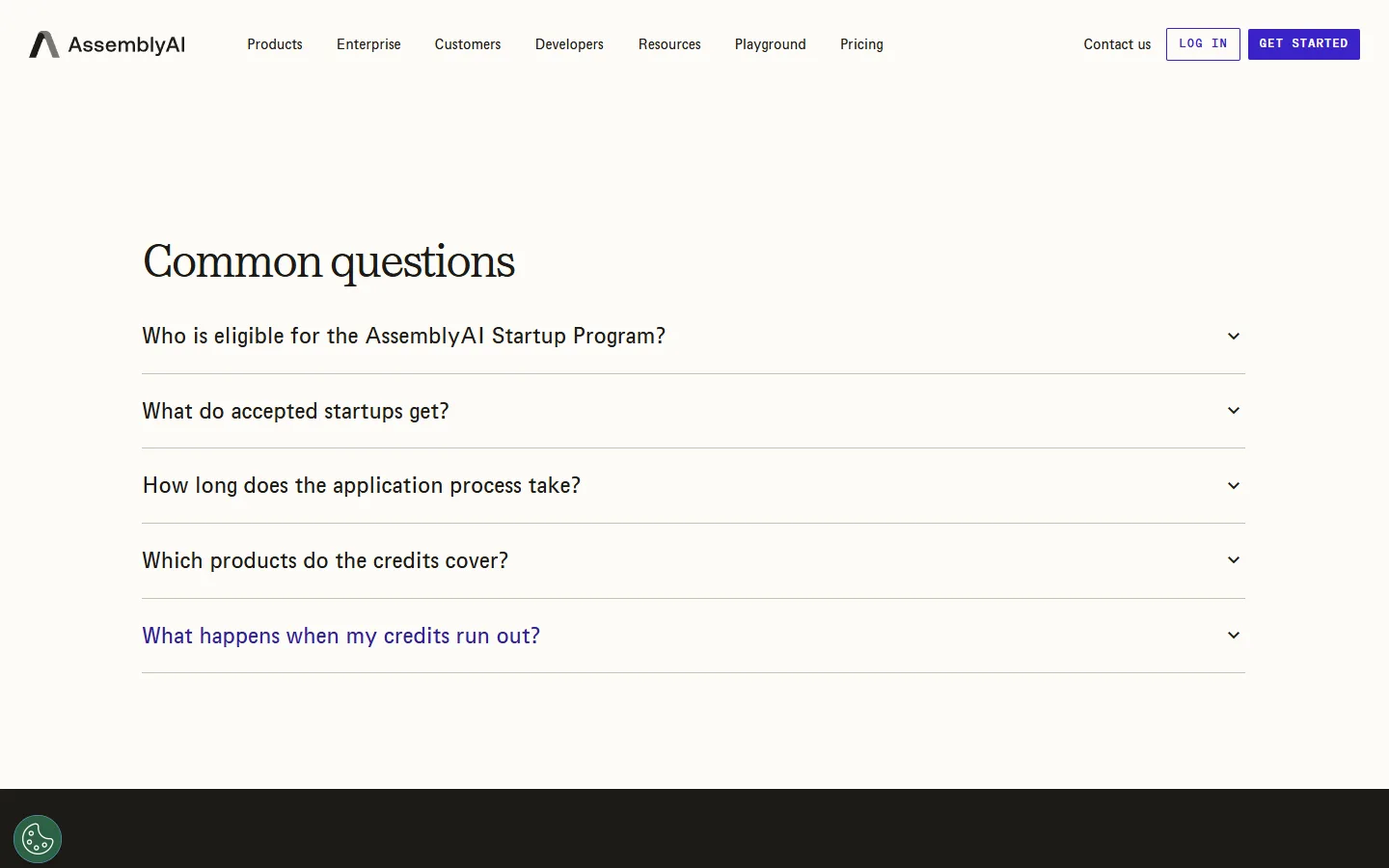
- Startups from bootstrapped through Series A can apply.
- You must be building with voice or audio and plan to launch within six months.
- The credits cover speech-to-text, streaming and dictation APIs, not LLM Gateway.
- AssemblyAI does not publish the monthly credit amount.
- Reviews take about a week, and credits land in your console within 48 hours of approval.
How to apply
- Read the eligibility FAQ on the Startup Program page.
- Fill in the short application about what you are building and who backs you.
- Wait for the review and check your console for the credits once you are approved.
Which offer to use
- You want to try the API this week. Sign up through a referral link and start with $100 instead of $50.
- You are building a voice product and plan to launch soon. Apply to the Startup Program as well. The monthly credits and lower pricing matter more than a one-time bonus once you have real traffic.
- You only need a handful of transcripts. The free tier alone is more than enough.
The offers do not cancel each other out. You can open your account through a referral link, build your first version on the $100, and apply to the Startup Program when you are getting close to launch.
How to judge the results during the free period
Free credit is only worth something if it helps you decide. Before you send your first file, write down what a good result looks like for your project, then check each transcript against it.
- Accuracy on your own words. Product names, people's names and industry terms are where speech-to-text tools differ most. Pick a few recordings full of them and read the transcripts line by line.
- Speakers. If your audio has more than one person, check whether the transcript keeps track of who said what. Interviews and meetings are hard to use without it.
- Timing. For captions, the words have to line up with the video. Play a transcribed clip with the captions on and watch a few minutes.
- Speed. Note how long a long recording takes to come back. For a nightly batch job this hardly matters; for a tool your users wait on, it matters a lot.
- Effort. Count how long it took you to get from sign-up to a working result. A clear API saves more time over a year than a small price difference.
Keep these notes in one place. If you later compare AssemblyAI with another provider, run the same recordings through both and compare the notes side by side.
How to make the credit last
- Test on real audio. Use recordings that look like what you will process later: the same microphones, accents and background noise. Clean test files tell you little.
- Start with recorded files. Pre-recorded transcription is the easiest way to judge accuracy. Move to streaming once you know the quality is right.
- Keep an eye on the Billing page. It shows how much of the credit is left, so you can plan when to add a card.
- Keep LLM features for later. LLM Gateway is not part of the free tier, so plan your first tests around transcription and Speech Understanding.
Common mistakes
- Signing up without the referral link. The extra $50 only applies to accounts created through it. It cannot be added afterwards.
- Expecting a ready-made app. AssemblyAI is an API. You need code or an automation tool to send audio and read the results.
- Counting on LLM Gateway with free credit. It is not available on the free tier, and the startup credits do not cover it either.
- Waiting too long to apply as a startup. The program expects you to launch within six months. Apply while you are still building.
We check these offers against AssemblyAI's official pages and update our deal pages when the terms change. The current details are on our page for AssemblyAI.